Localization
The SDK includes built-in translations for Russian and English.
To add a new language or change the current translation:
- Create a
.stringsfile with the translation in your application's bundle (a template to copy is at the end of the page). - Set up
ChatLocalizationConfigon the SDK instance.
Constructor
init(bundle: Bundle, tableName: String, locale: Locale = .current)
| Field | Type | Required | Description |
|---|---|---|---|
bundle | Bundle | Yes | The bundle that contains the translation file (usually Bundle.main) |
tableName | String | Yes | The .strings file name without extension (for example, "MyLocalizable" for the file MyLocalizable.strings) |
locale | Locale | No (default .current) | Sent to the server and determines the language of server responses; the SDK also uses it in date and number formatters |
ChatLocalizationConfig fields are accessible only via initAll three fields are passed to the initializer; they cannot be read or modified from outside. To change the localization, create a new instance and assign it to chatCenterSDK.localizationConfig.
If bundle does not contain a .strings file with the specified tableName, an assertionFailure will fire in a debug build. In a release build, the SDK will silently fall back to the built-in translation for the device's system locale. Before publishing, make sure the file is added to the target as a resource.
Setup example:
// Configure localization (after SDK initialization)
chatCenterSDK.localizationConfig = ChatLocalizationConfig(
    bundle: Bundle.main,
    tableName: "MyLocalizable",
    locale: Locale(identifier: "ru")
)
localizationConfig is stored globally (process-wide)The config is not bound to a ChatCenterUISDK instance. If multiple instances live in the process (for example, for switching between test and production environments), assigning localizationConfig to any of them overwrites the value for all. Use one config for all instances and do not change it on the fly.
.stringsThe SDK falls back to the value from the built-in ChatLocalizable.strings for the device's system locale. Override only the keys you want to change — the rest are picked up automatically.
Dynamic language switching at runtime
If the application supports multiple languages and allows switching between them without a restart, load translations for the SDK from the appropriate .lproj catalog — for example, ru.lproj/MyLocalizable.strings or en.lproj/MyLocalizable.strings. Create a Bundle at the .lproj path and assign a new ChatLocalizationConfig:
func switchLanguage(to language: String) {
    guard
        let path = Bundle.main.path(forResource: language, ofType: "lproj"),
        let bundle = Bundle(path: path)
    else { return }

    chatCenterSDK.localizationConfig = ChatLocalizationConfig(
        bundle: bundle,
        tableName: "MyLocalizable",
        locale: Locale(identifier: language)
    )
}

// In the language switch handler:
switchLanguage(to: "en")
localizationConfig before authorize(user:)locale is sent to the server on connection and determines the language of server responses — for example, automatic notification and survey texts. The server reads it once, at the moment of authorize(user:).
If you change localizationConfig after authorization, on the next getChat() the UI will pick up the strings from the new bundle, but server responses will keep arriving in the previous language. You cannot change the server-side locale within an active session of the same user — restart the application or authorize a different user.
locale must match the selected .lproj.
Localization keys (table with examples)
| Category | Key | Default value | Usage example / Notes | Usage |
|---|---|---|---|---|
| Buttons | action.title_ok | OK | Used in confirmation dialogs (for example, "Are you sure?" → OK/Cancel) | 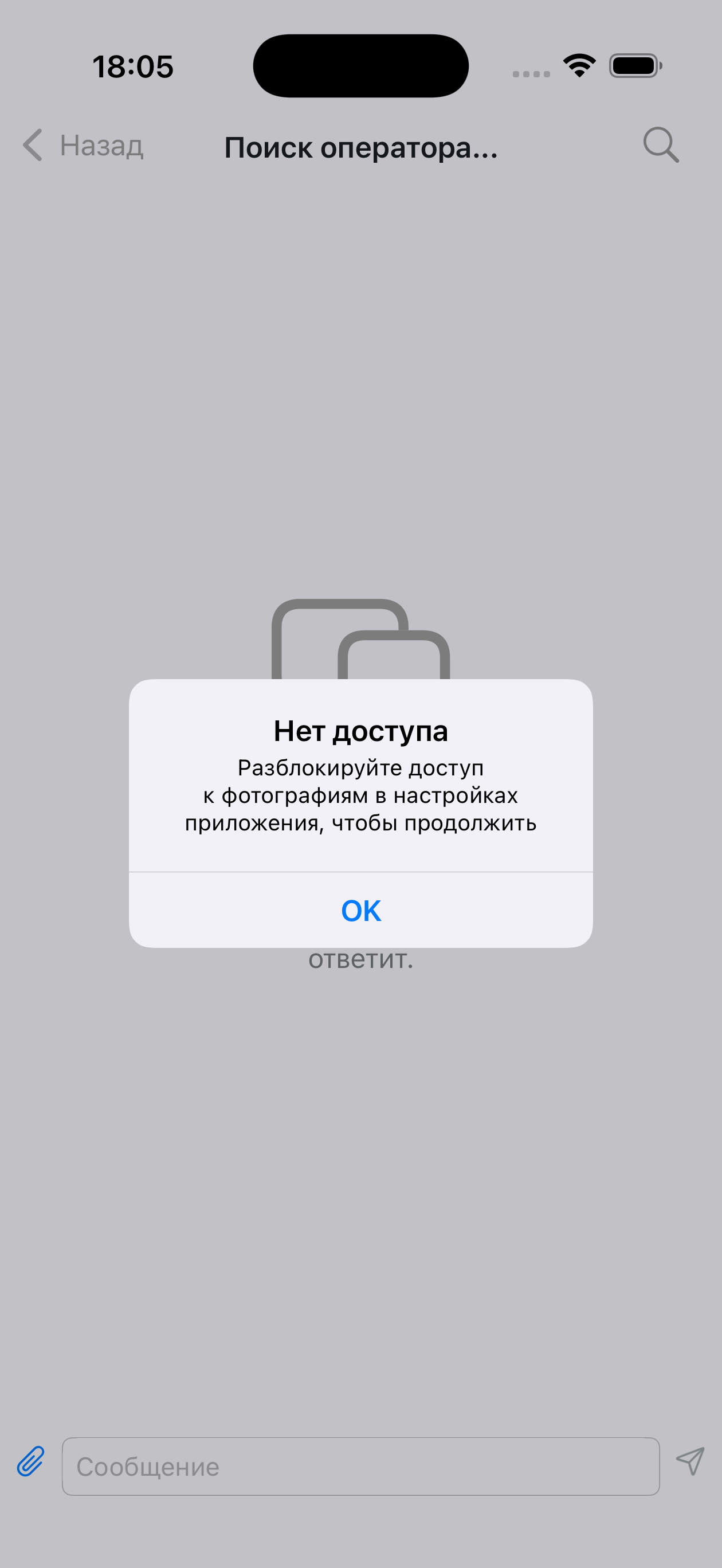 |
action.title_yes | Yes | In questions like "Continue? Yes/No" | 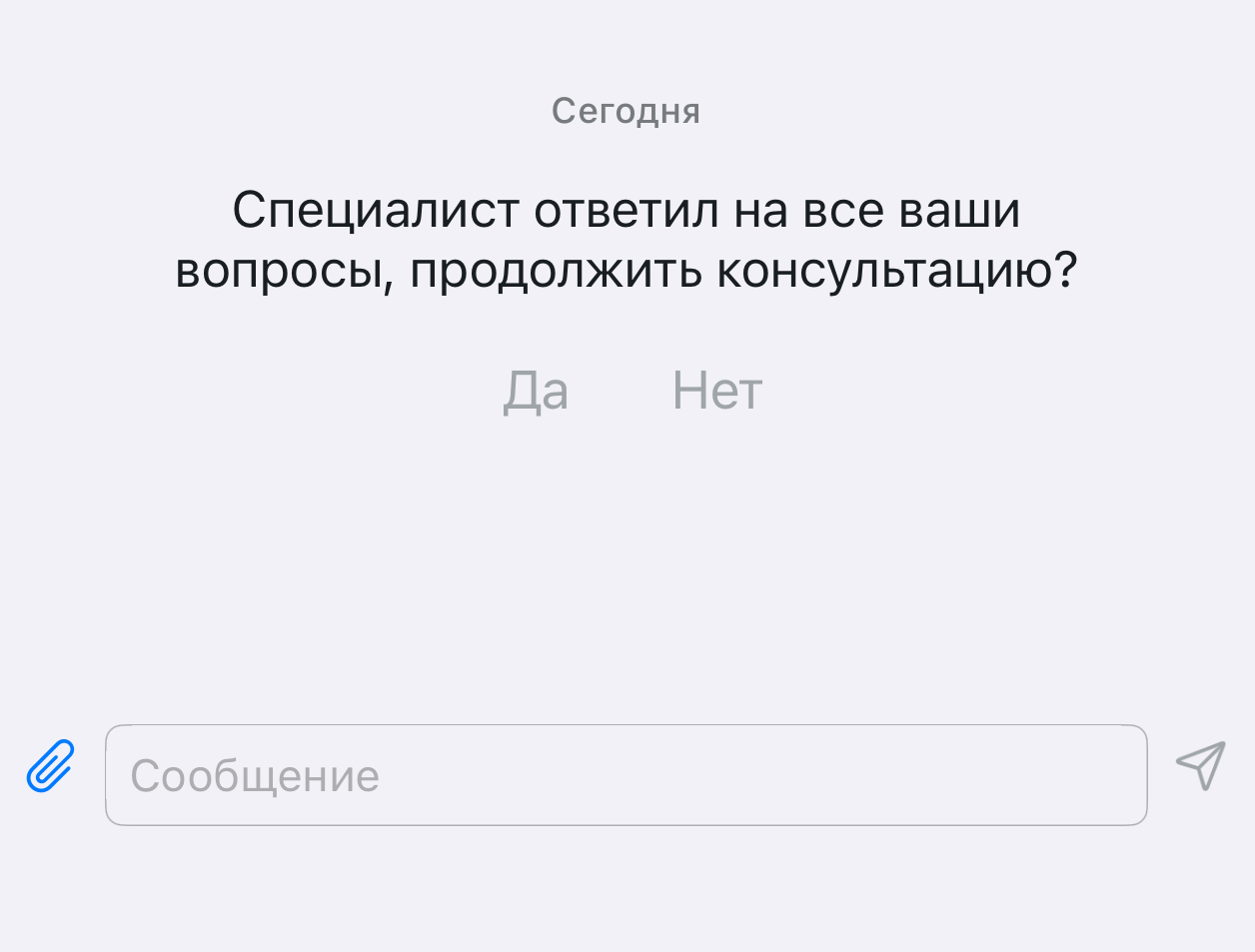 | |
action.title_no | No | In questions like "Continue? Yes/No" | | |
action.title_cancel | Cancel | In modals, menus, loading, message sending | 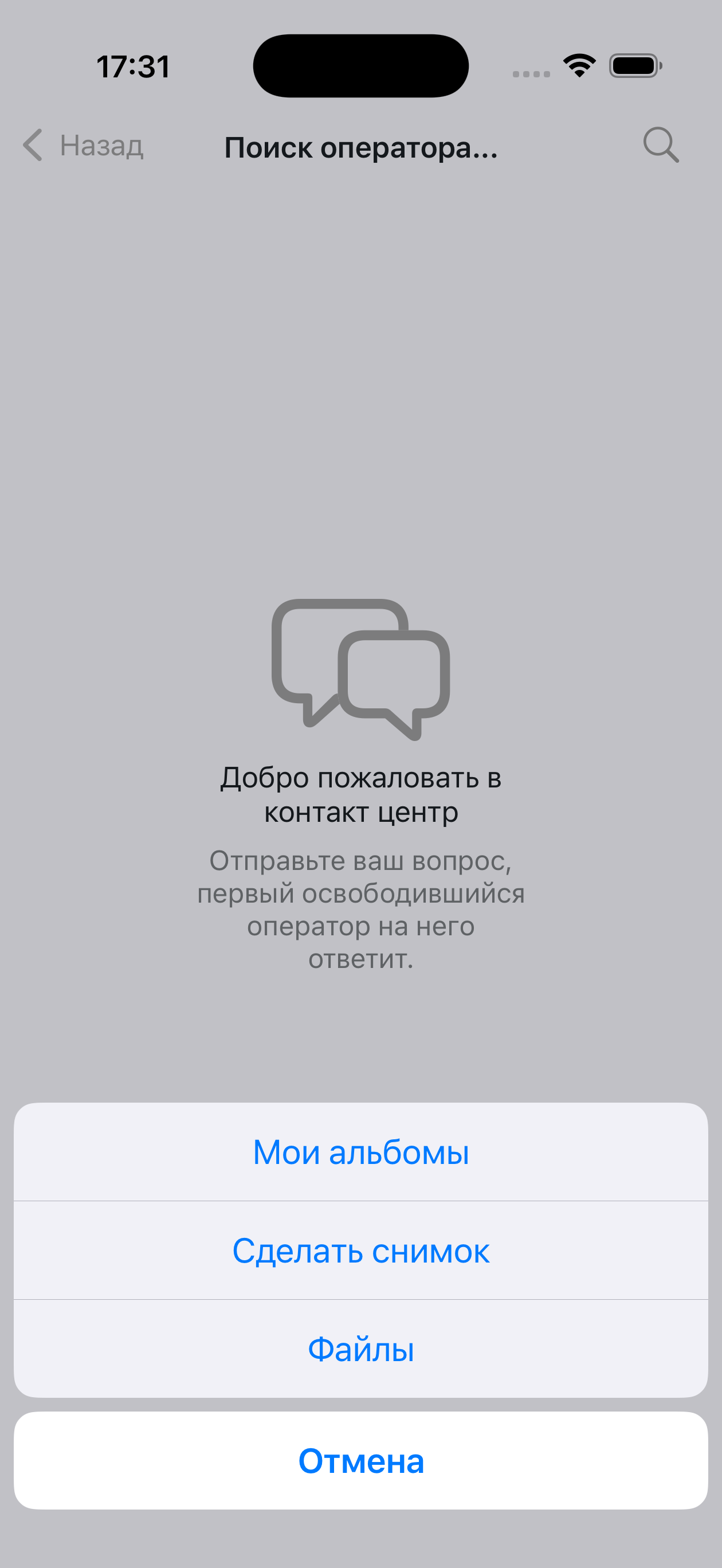 | |
action.title_repeat | Retry | On chat loading error | 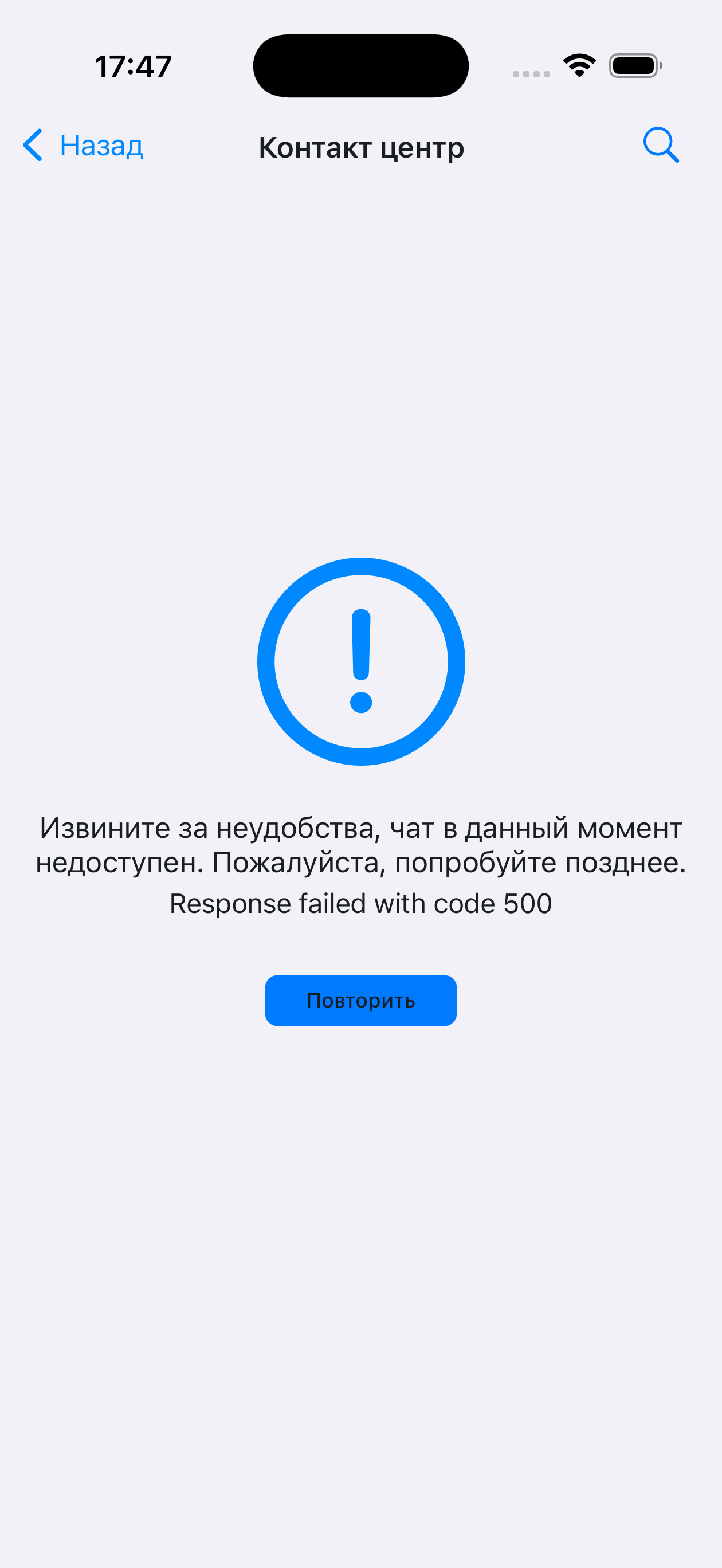 | |
action.alert_send | Send | In the file send form | 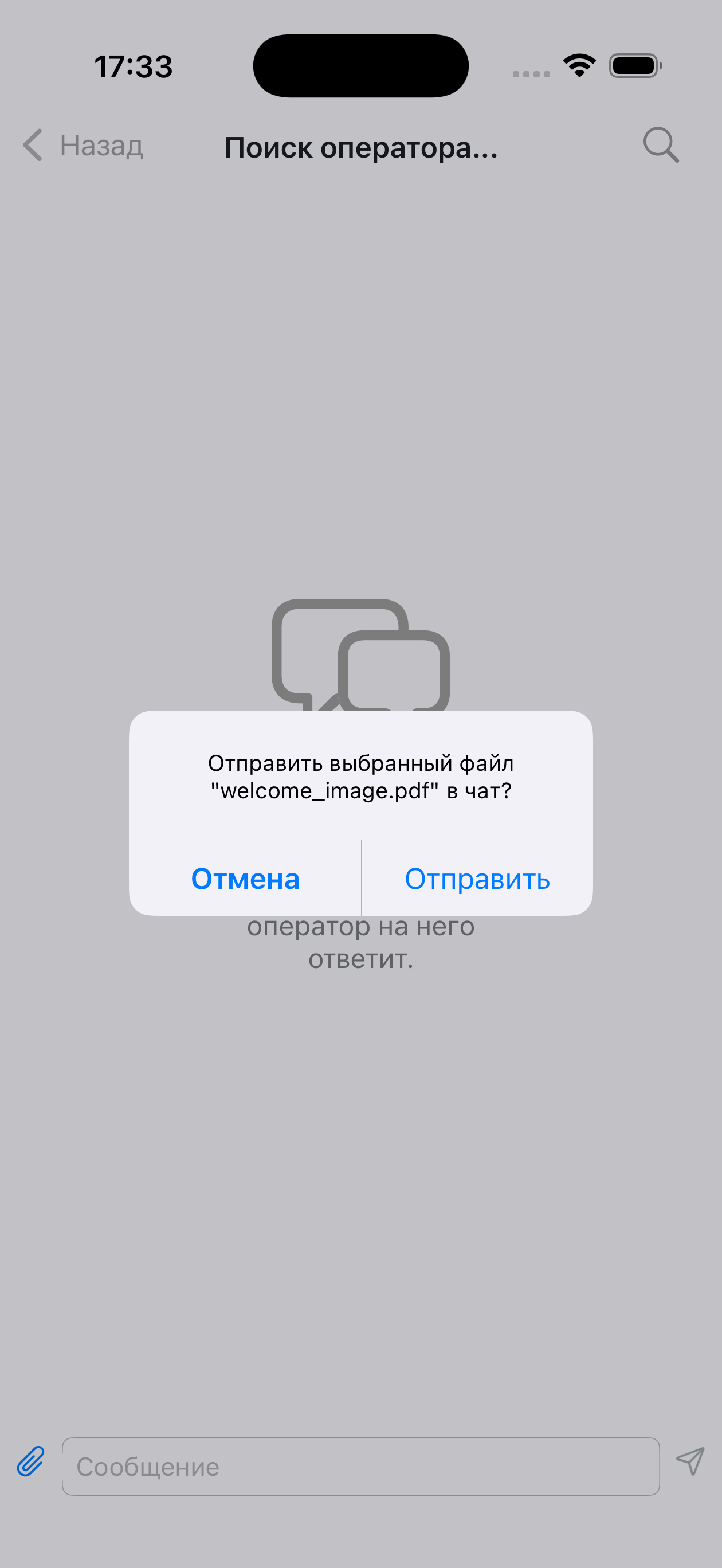 | |
| Chat | chat.available_readonly_text | This chat is available for viewing only | Shown when the user cannot write | 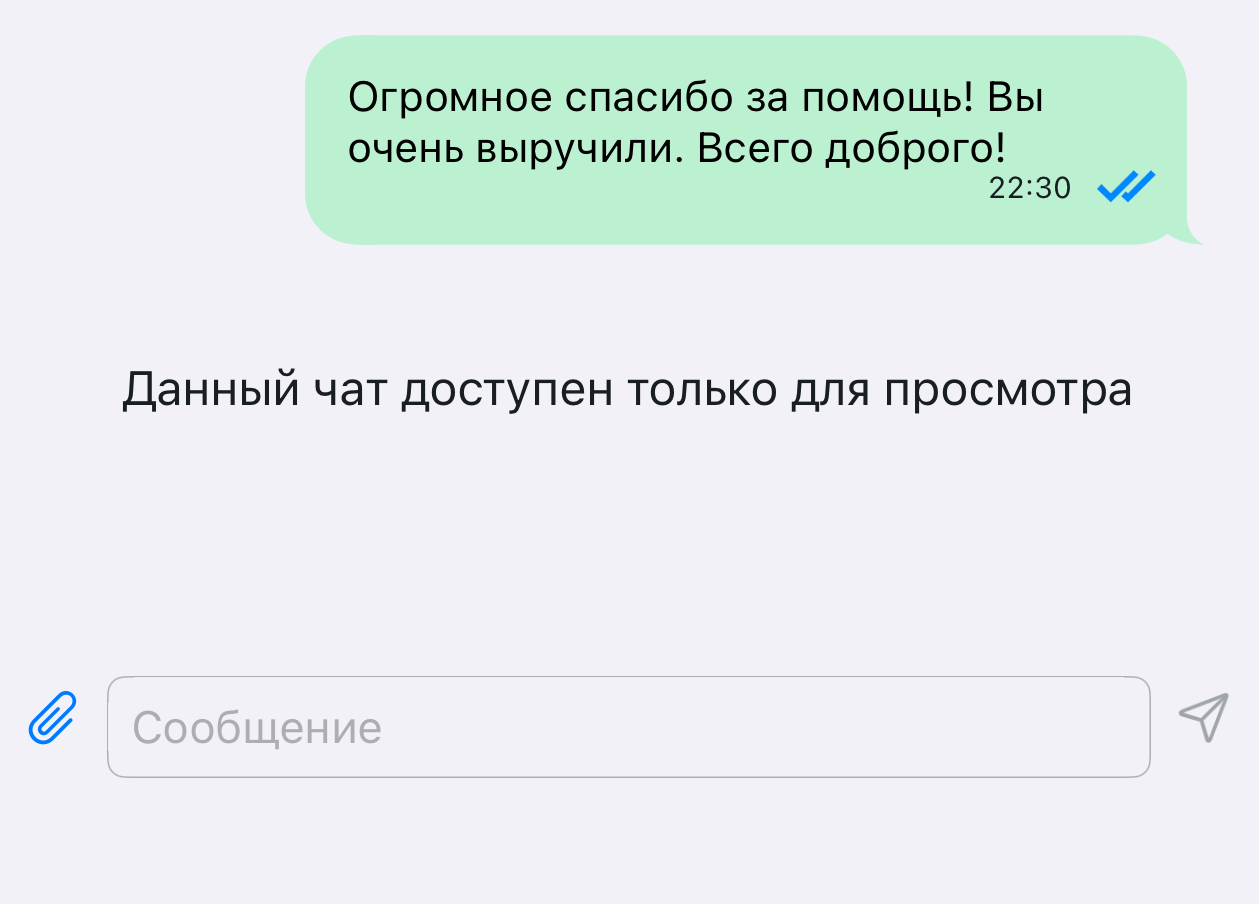 |
chat.client_name | You | In the quote header | 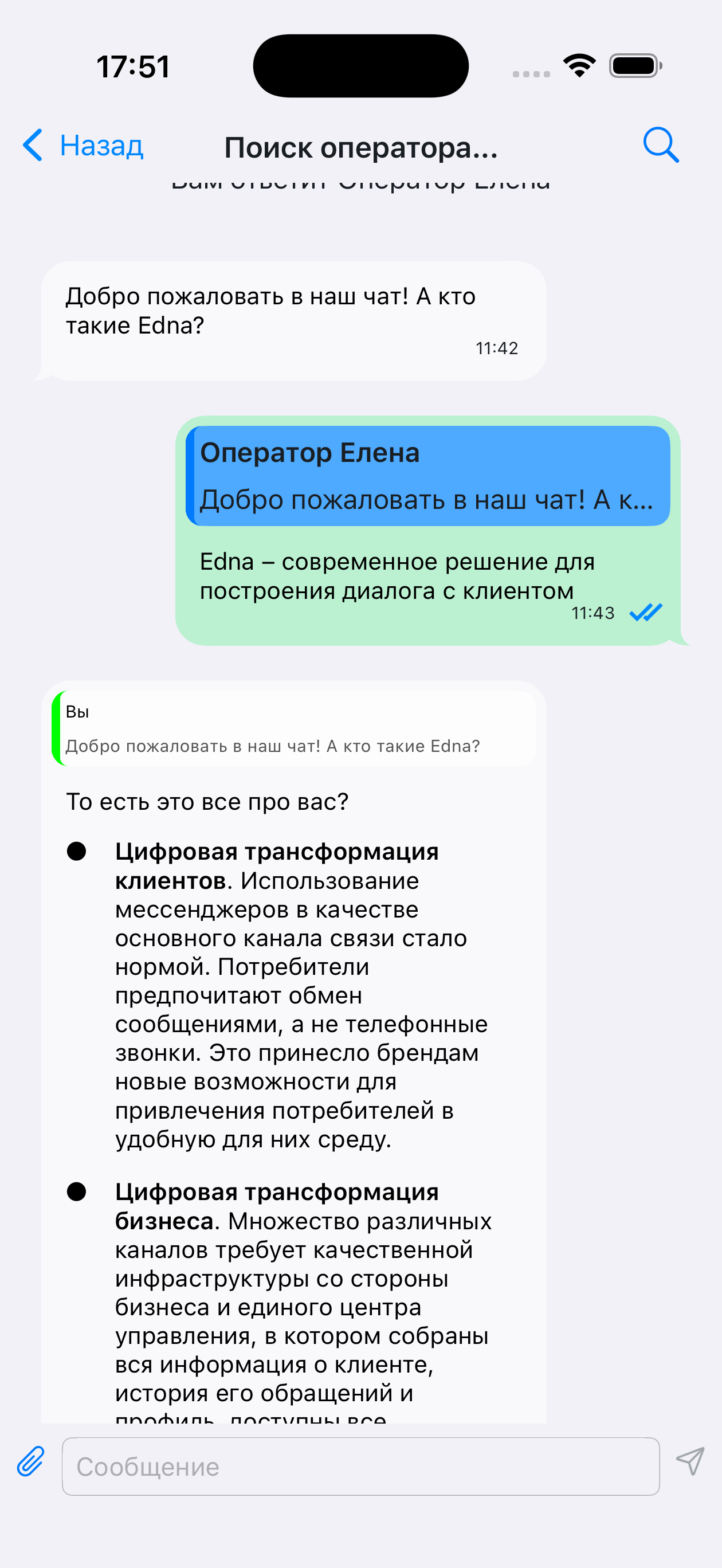 | |
chat.title.connecting | Connecting... | In the chat header | 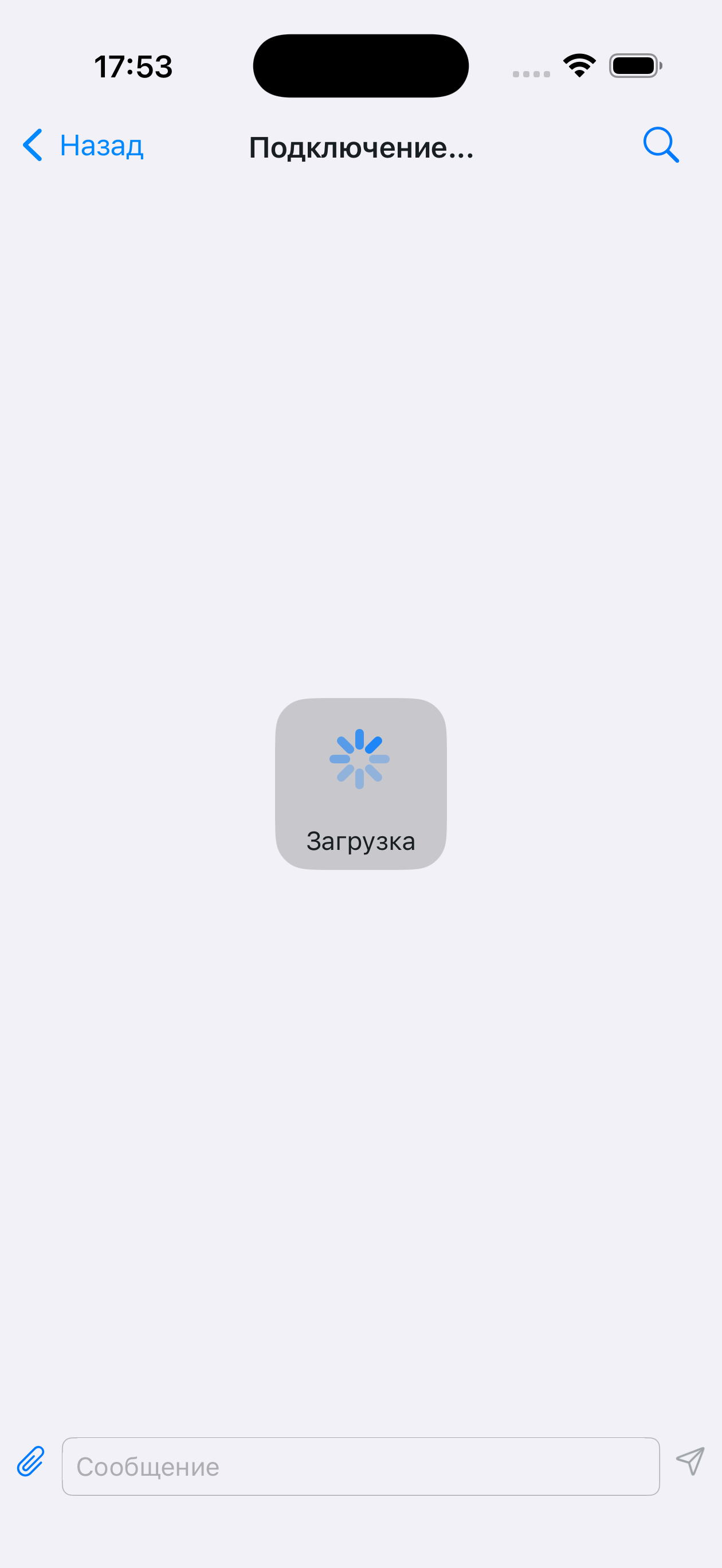 | |
chat.title.opened | Contact center | In the chat header after opening | 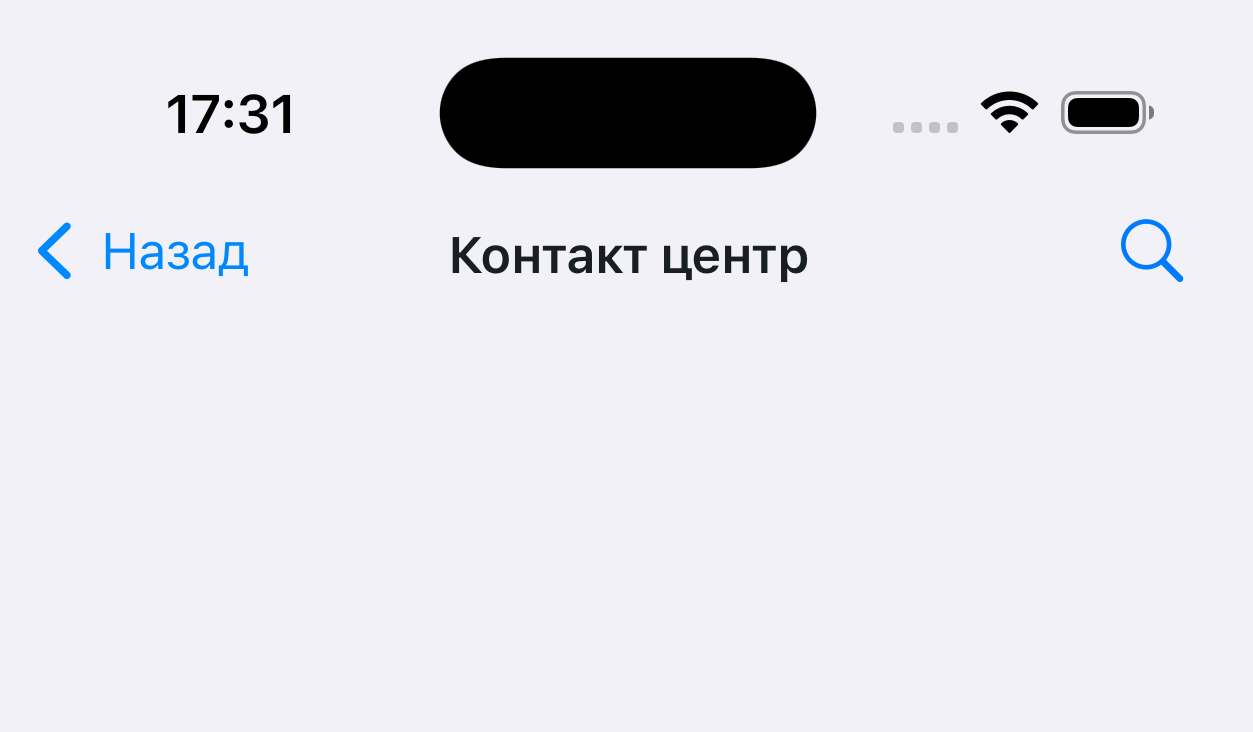 | |
chat.title.waiting_for_specialist | Looking for an operator... | In the chat header after the conversation starts | 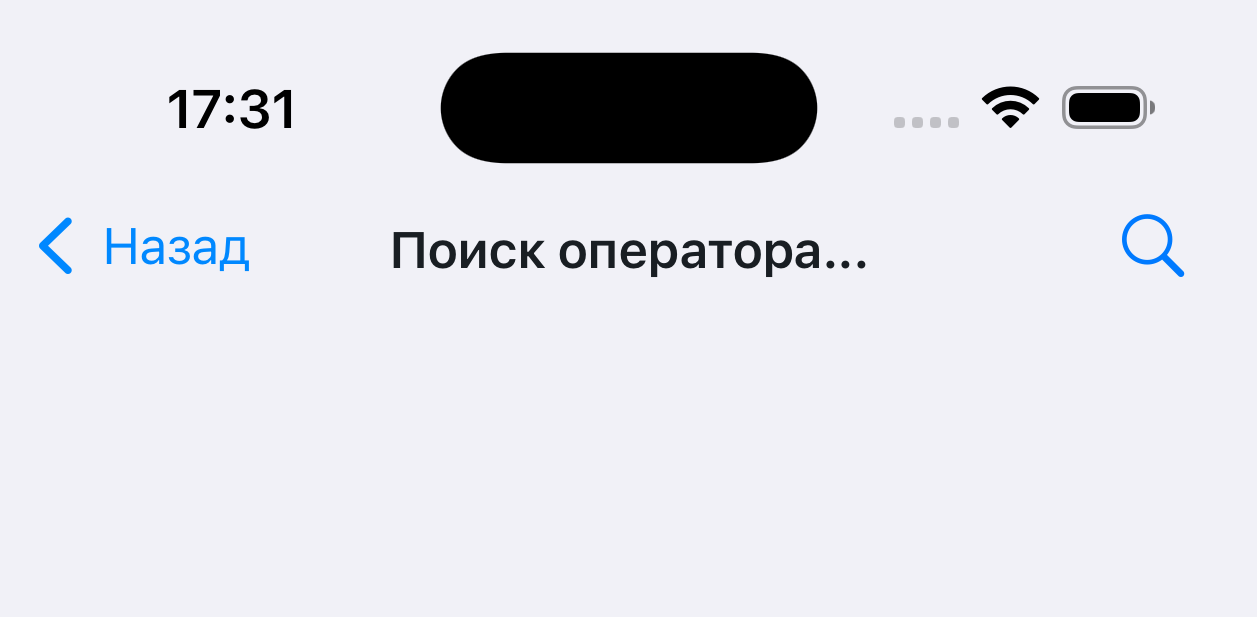 | |
chat.title.working | Operator | Shown in the chat header during a dialog | 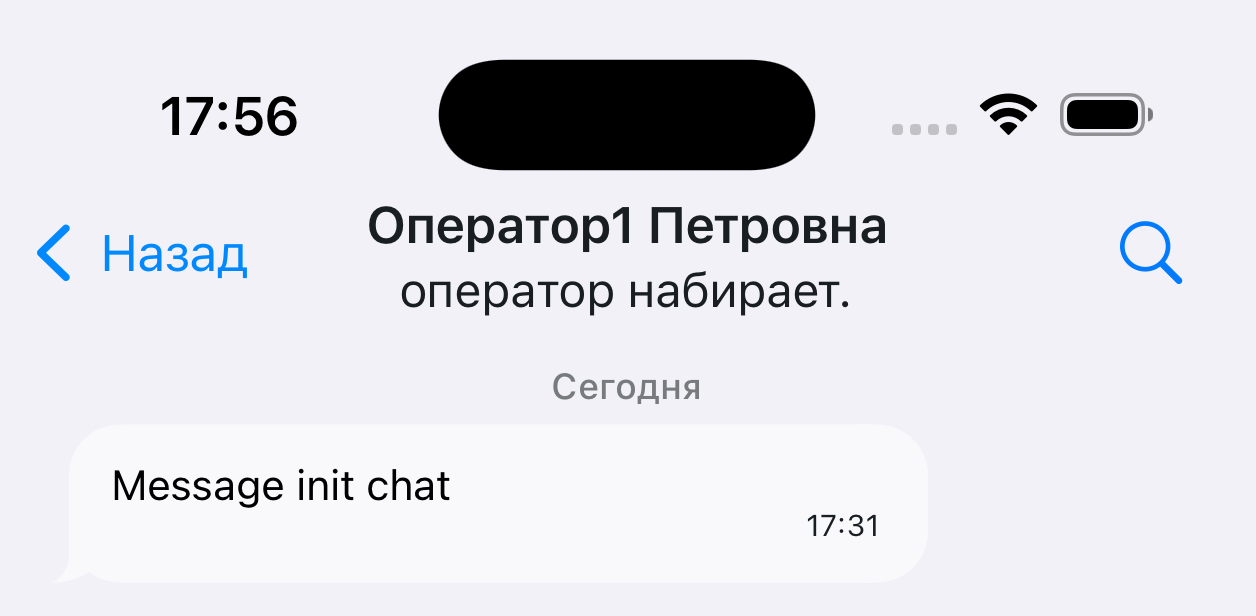 | |
chat.title.typing | operator is typing | Shown below the chat header while the operator is typing | | |
| Operator roles | operator.bot | Bot | In the chat header, depends on the operator role | |
operator.external.bot | Bot | In the chat header, depends on the operator role | | |
operator.operator | Operator | In the chat header, depends on the operator role | | |
operator.supervisor | Operator | In the chat header, depends on the operator role | | |
operator.system | Operator | In the chat header, depends on the operator role | | |
operator.integration | Operator | In the chat header, depends on the operator role | | |
| Loading | loading.title | Loading | When loading history | |
| Input | input.placeholder | Message | When the input field is empty | 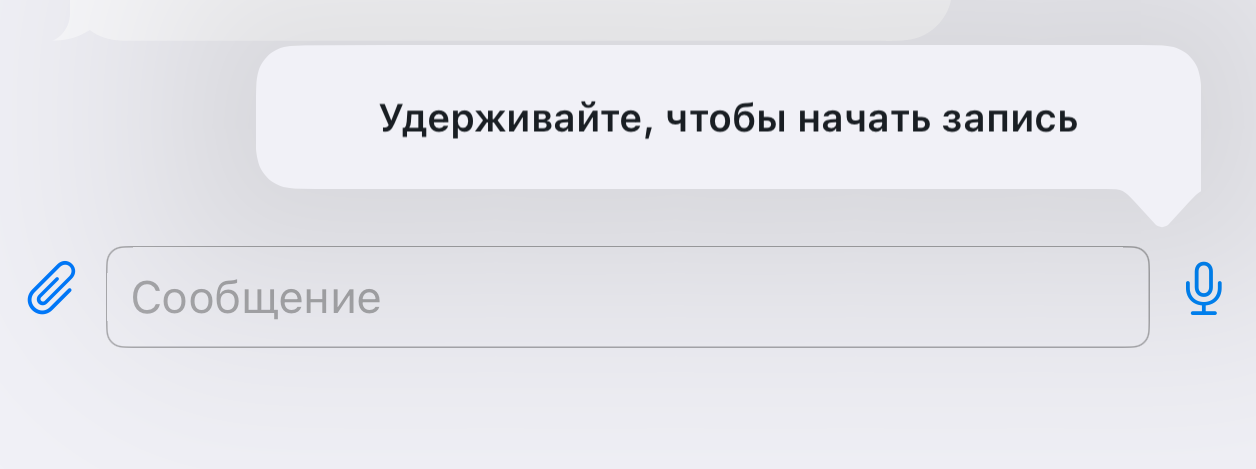 |
input.voice_recording_hint | Hold to start recording | Hint on long press of the microphone | | |
| Empty chat | empty_chat.placeholder_title | Welcome to the contact center | Shown on the first chat open | 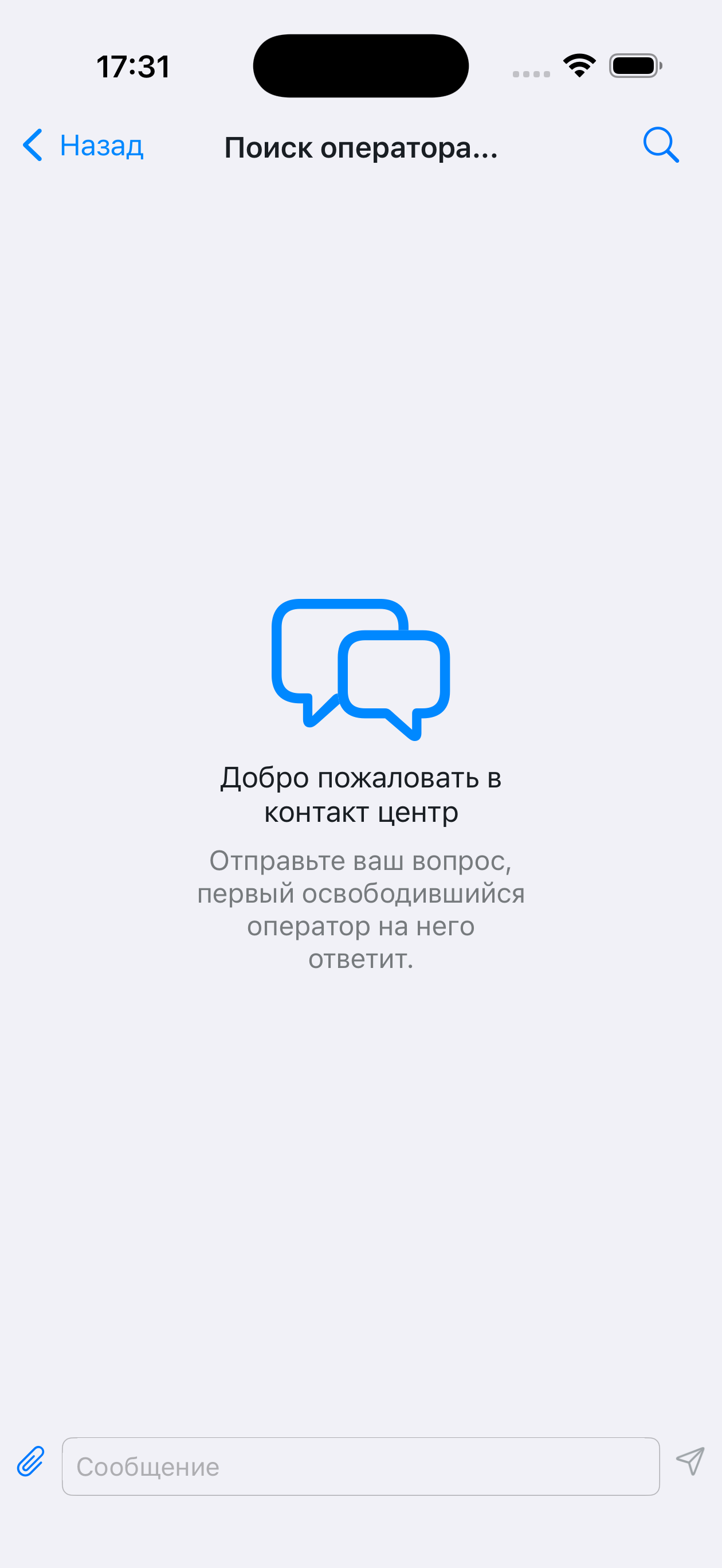 |
empty_chat.placeholder_desc | Send your question, the first available operator will answer it. | — | | |
| Send errors | alert.resend_failed_message.title | "" | May be empty, depends on the implementation | 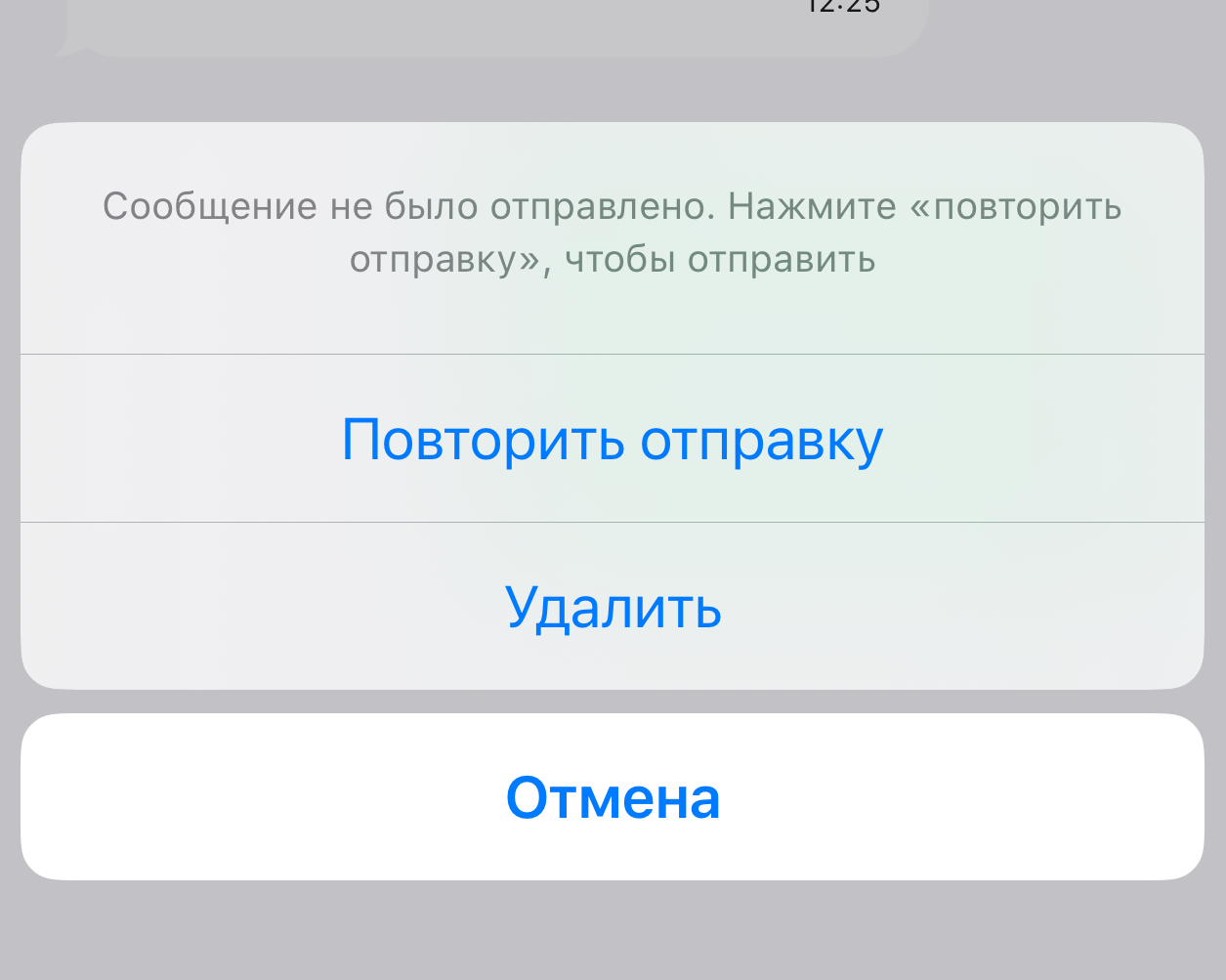 |
alert.resend_failed_message.desc | The message was not sent. Tap "resend" to send | Description of the resend menu | | |
alert.resend_failed_message.retry_btn | Resend | — | | |
alert.resend_failed_message.delete_btn | Delete | — | | |
| Access / Permissions | alert.access_denied_title | No access | Permissions are not set up on the server | 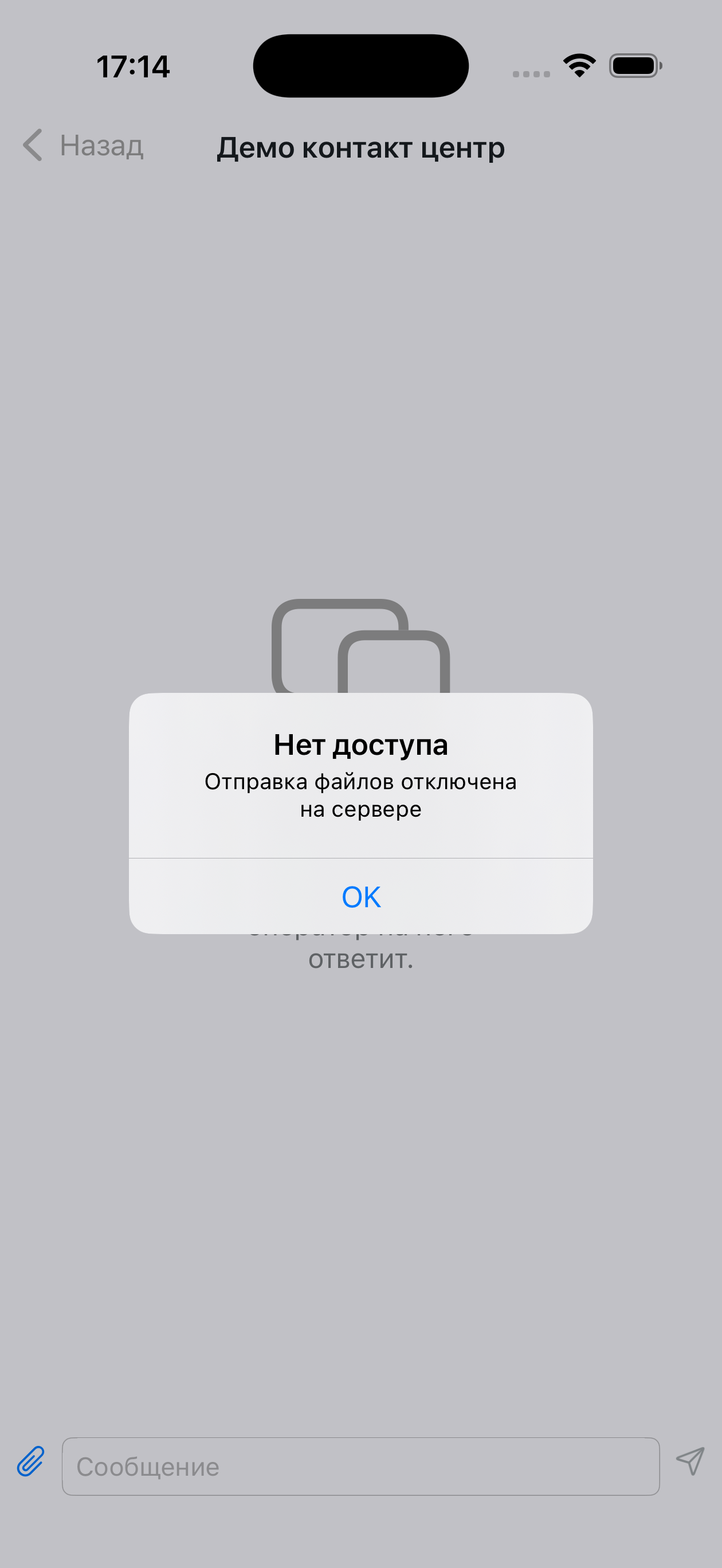 |
alert.file_sending_denied_desc | File sending is disabled on the server | Permissions are not set up on the server | | |
alert.unlock_photos_access | Unlock photo access in the app settings to continue | — | | |
alert.camera_not_found | No camera found on your device | Notification when trying to use the camera on a device without one | — | |
alert.send_selected_file_to_chat | Send the selected file "%@" to chat? | %@ — file name | | |
alert.unlock_camera_access | Unlock camera access in the app settings to continue | Notification when the user has denied access | 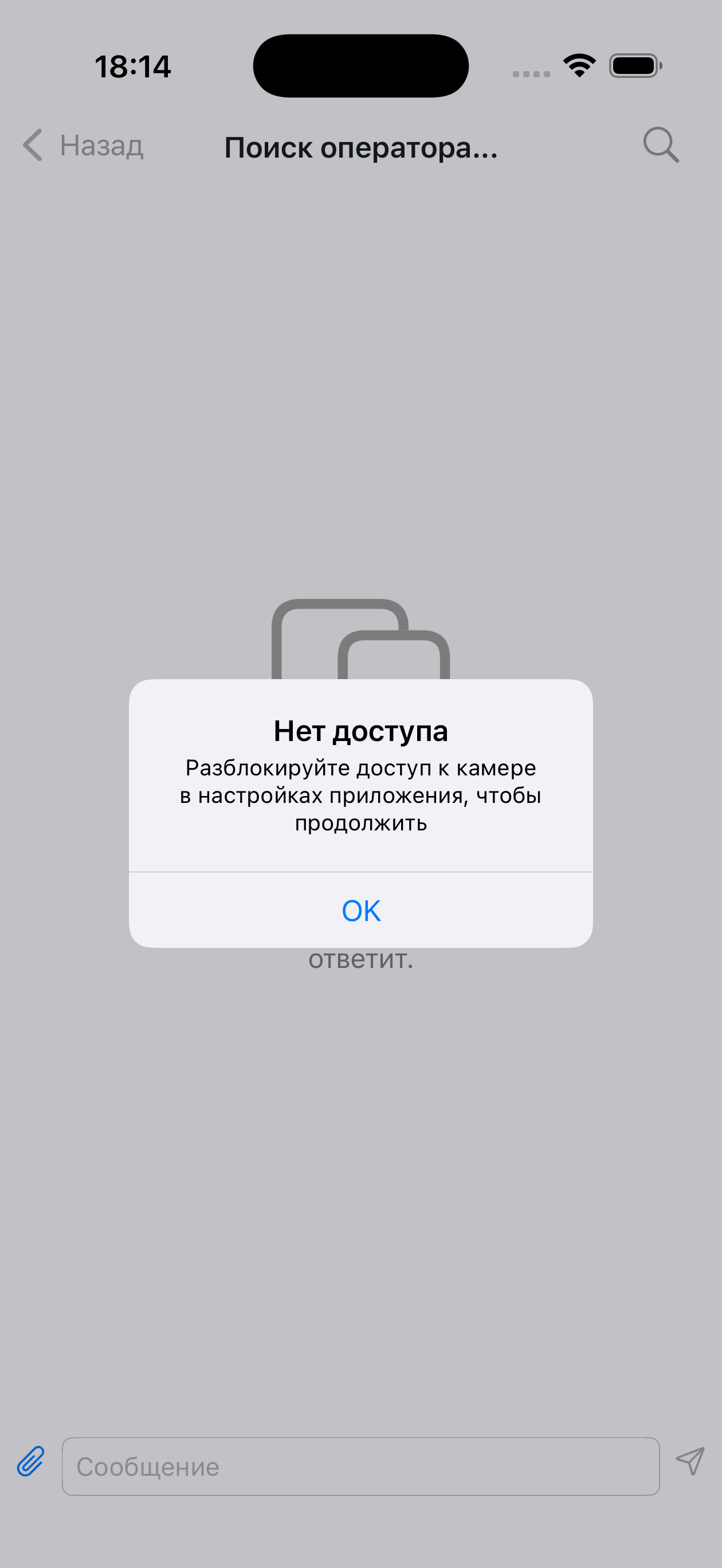 | |
alert.cant_take_photo | Failed to take a photo | Notification, failed to take a photo with the camera | | |
alert.app_settings | Settings | Menu item in the notification | 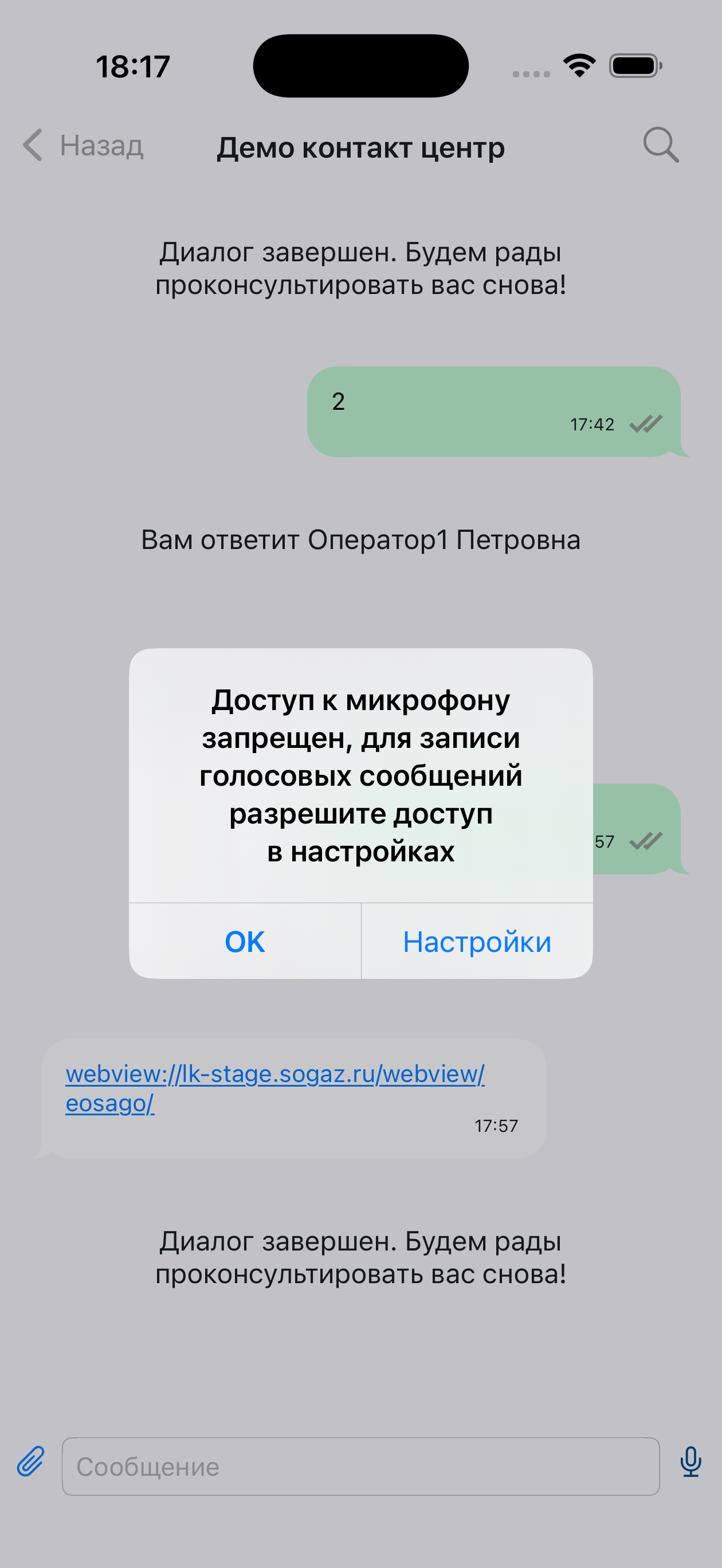 | |
alert.voice_recording_denied | Microphone access denied; to record voice messages, allow access in settings | Notification description | | |
alert.text_copied_message | Text copied to clipboard | Notification that text was copied to the clipboard | 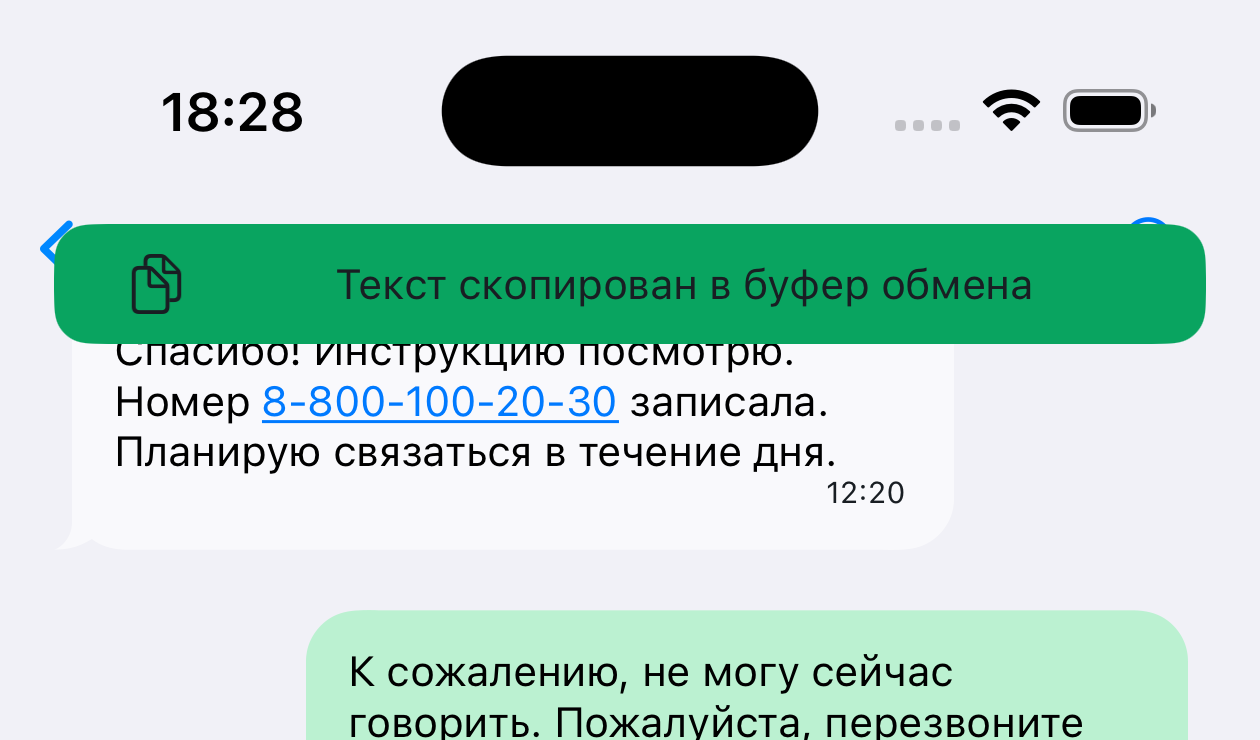 | |
| Message statuses | message.status.not_delivered | Not delivered | Error text below the message | 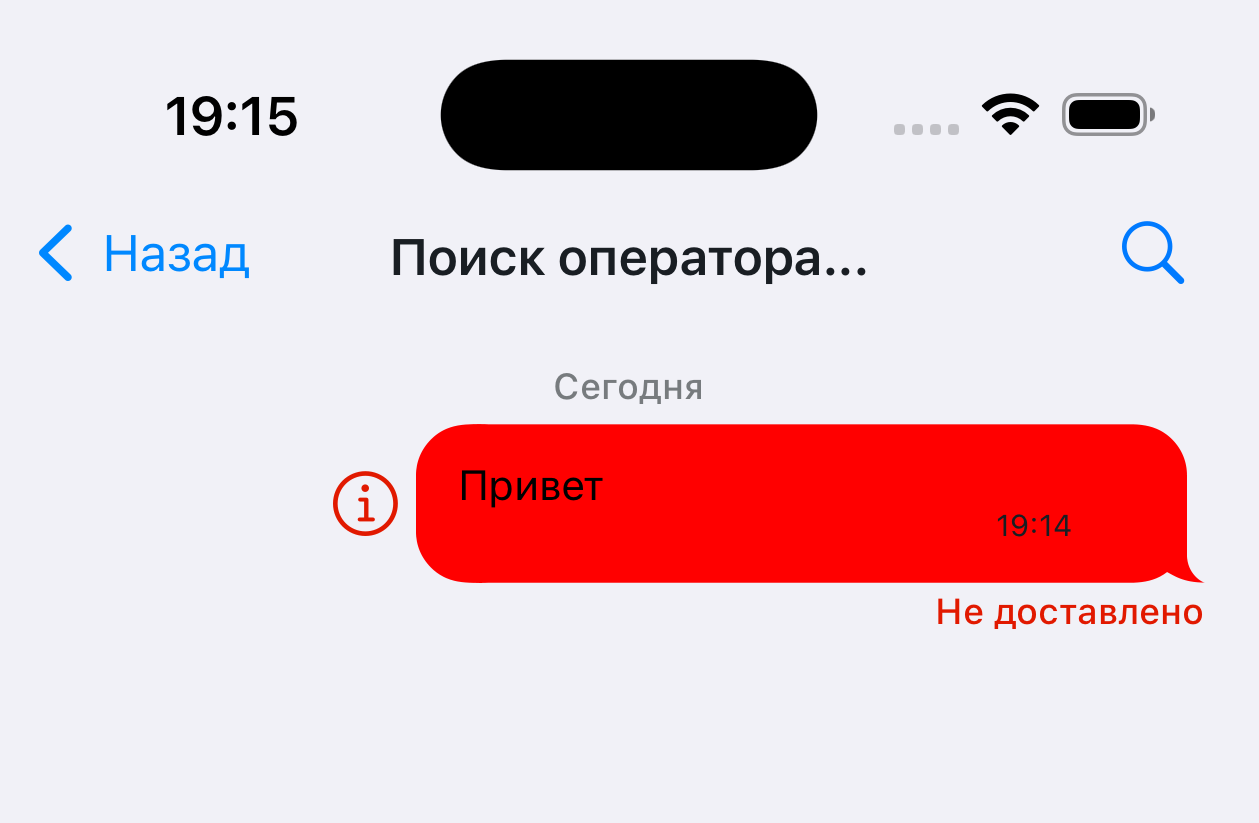 |
message.status.validation_error | Not delivered | Error text below the message | | |
| Messages | message.deleted_text | Message deleted | — | 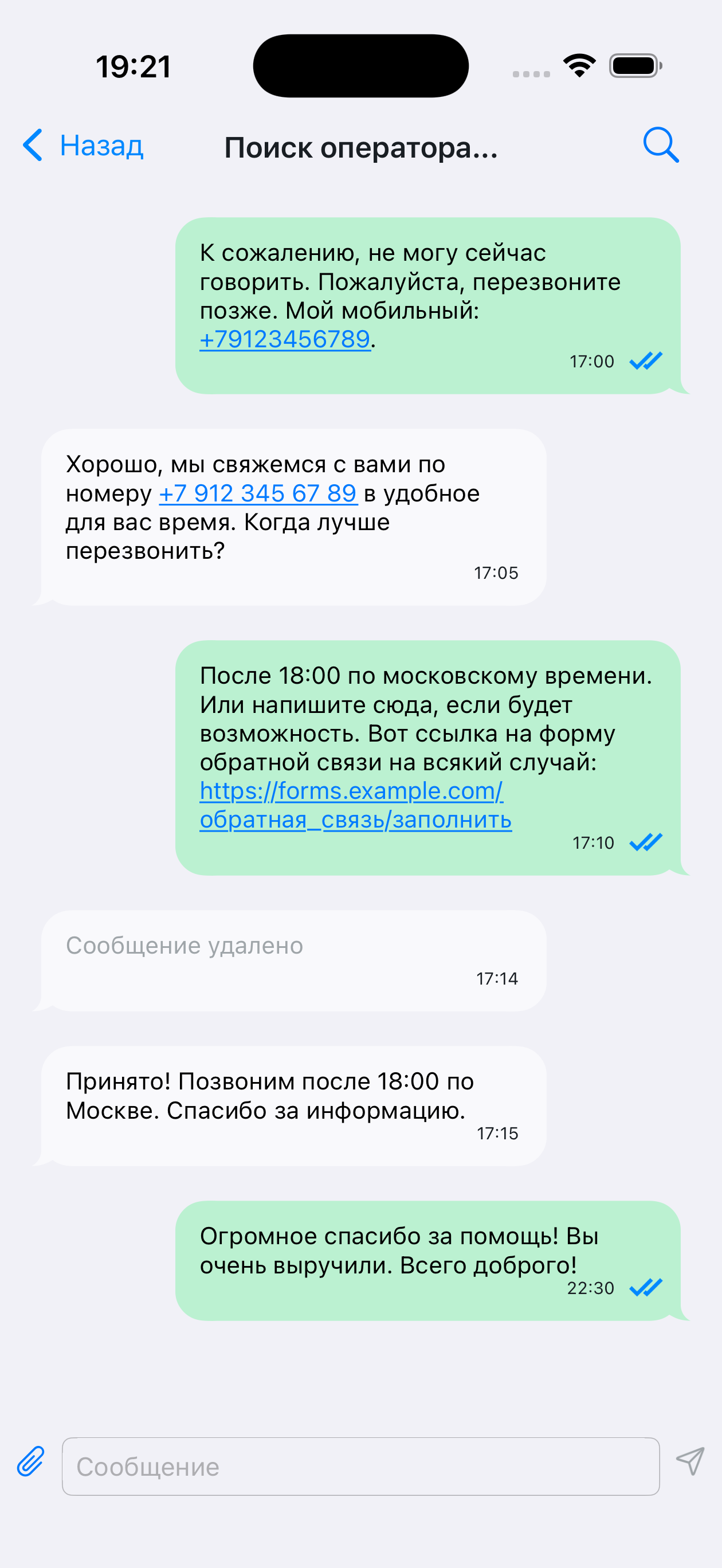 |
message.send_file_limit_alert_title | File size | File size limit exceeded | 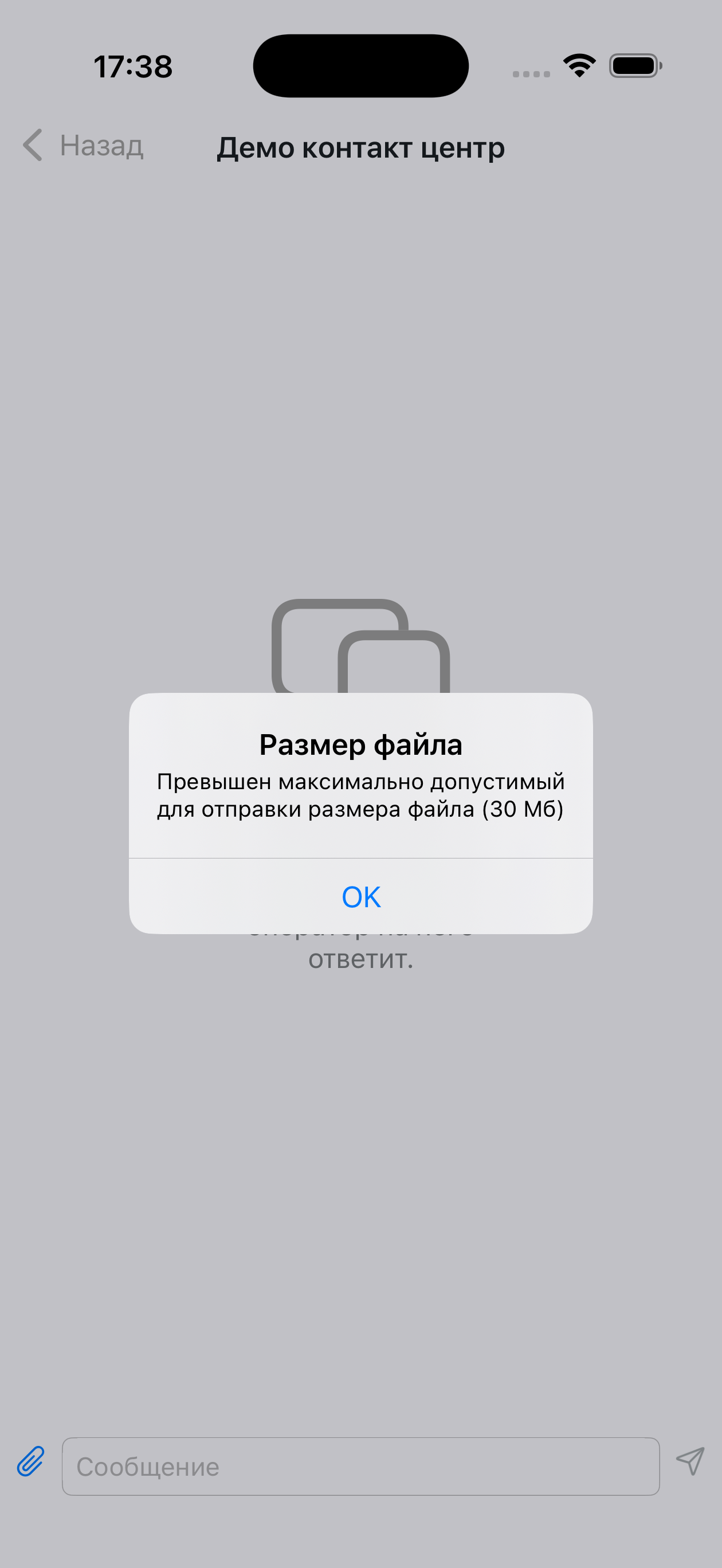 | |
message.send_file_limit_alert_message | Maximum allowed file size for sending exceeded (%.0f MB) | %.0f — the number is substituted (for example, 25 MB) | | |
message.incorrect_url_for_opening | Failed to open the link | When tapping a link in a message that cannot be opened | | |
message.photo_title | PHOTO | Shown in the quote of a photo message | 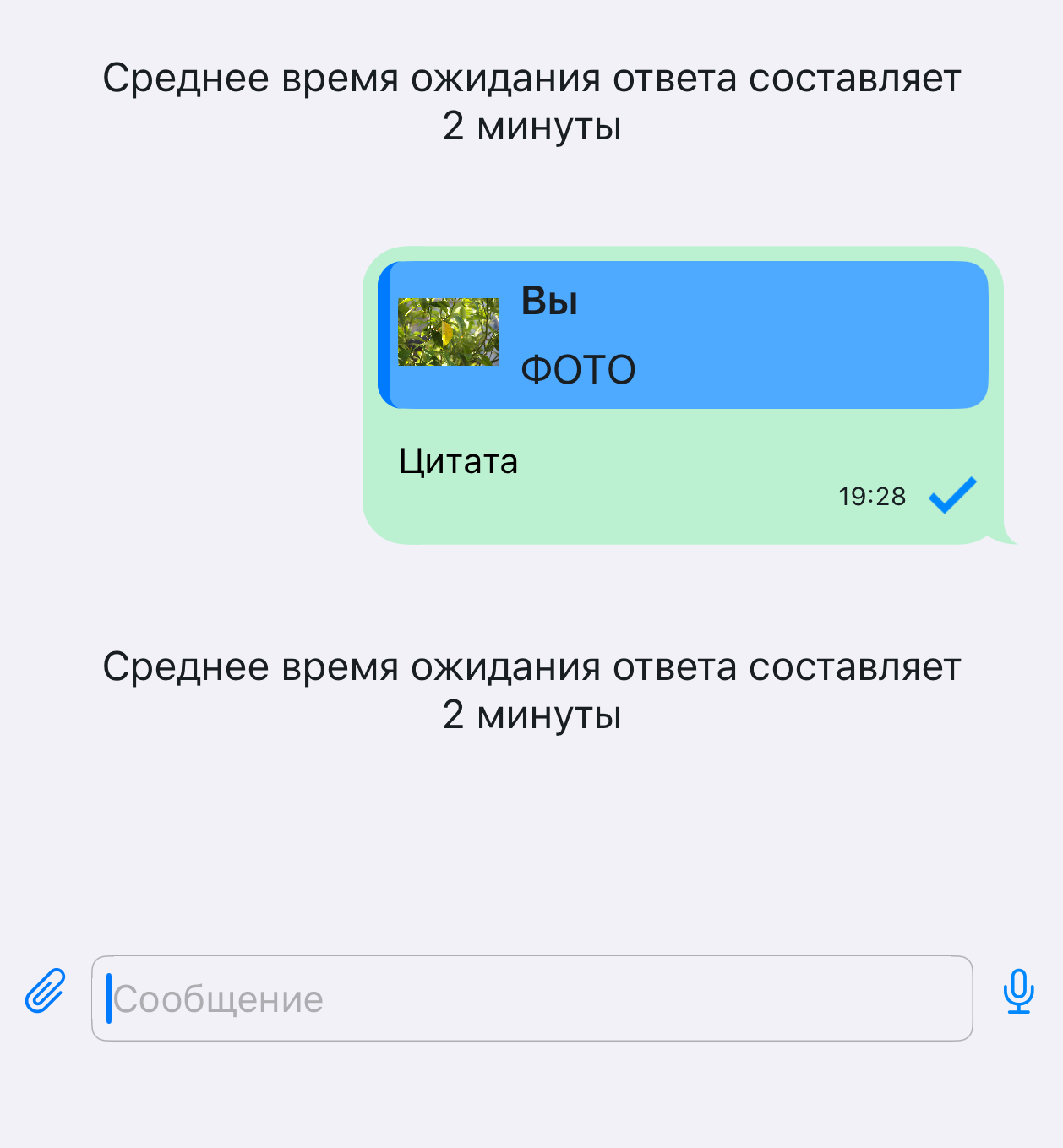 | |
message.voice_title | VOICE MESSAGE | Shown in the quote of a voice message | | |
message.voice_play_error | Playback error | Playback error shown below the message | 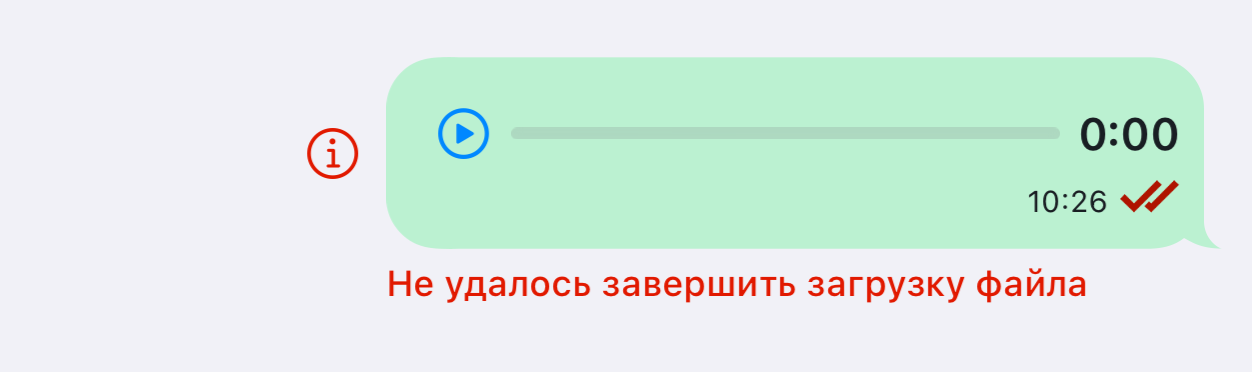 | |
message.unsupported_file_format | Unsupported format | Format error, shown below the message | | |
| Quote menu | menu.response_title | Reply | Quote menu | 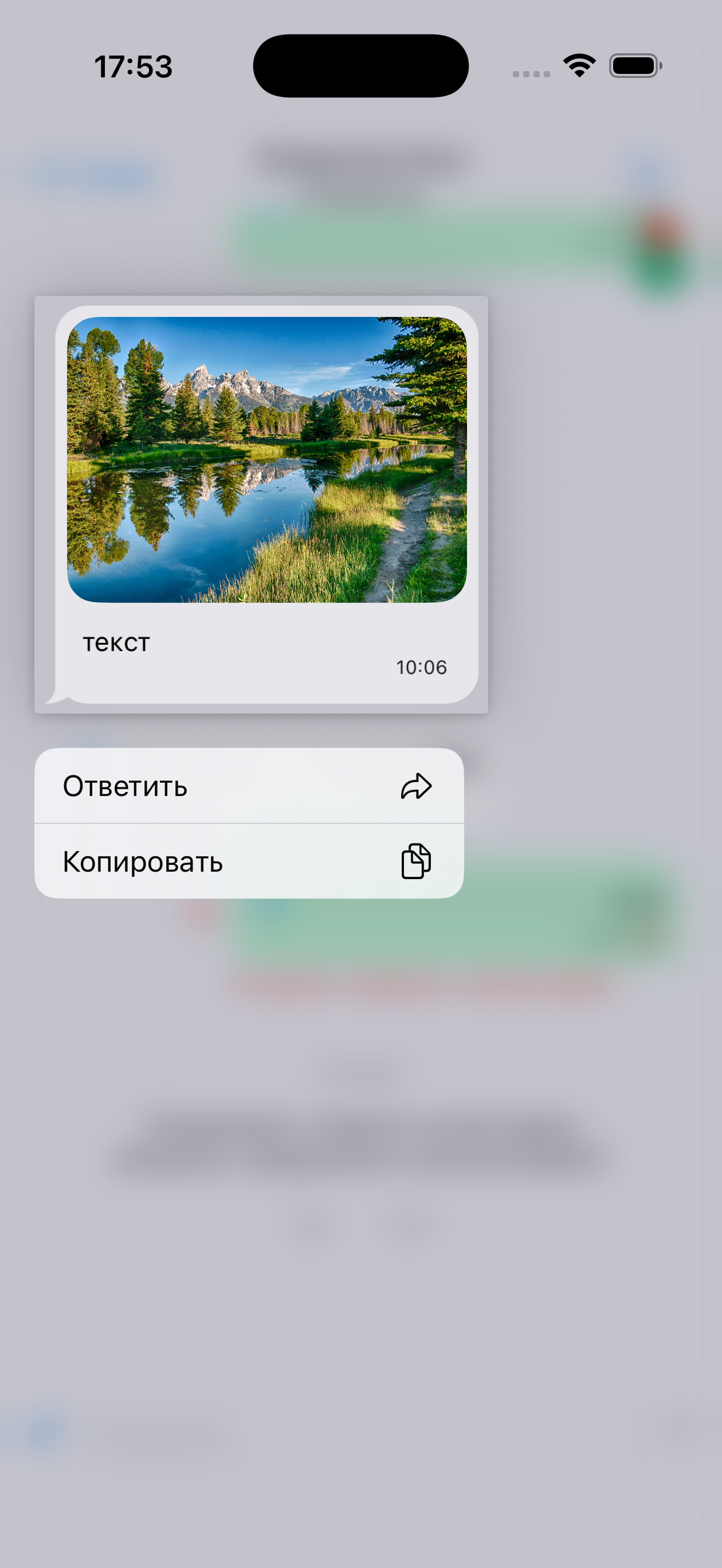 |
menu.copy_title | Copy | Quote menu | | |
| Search | search.placeholder_title | Search | — | 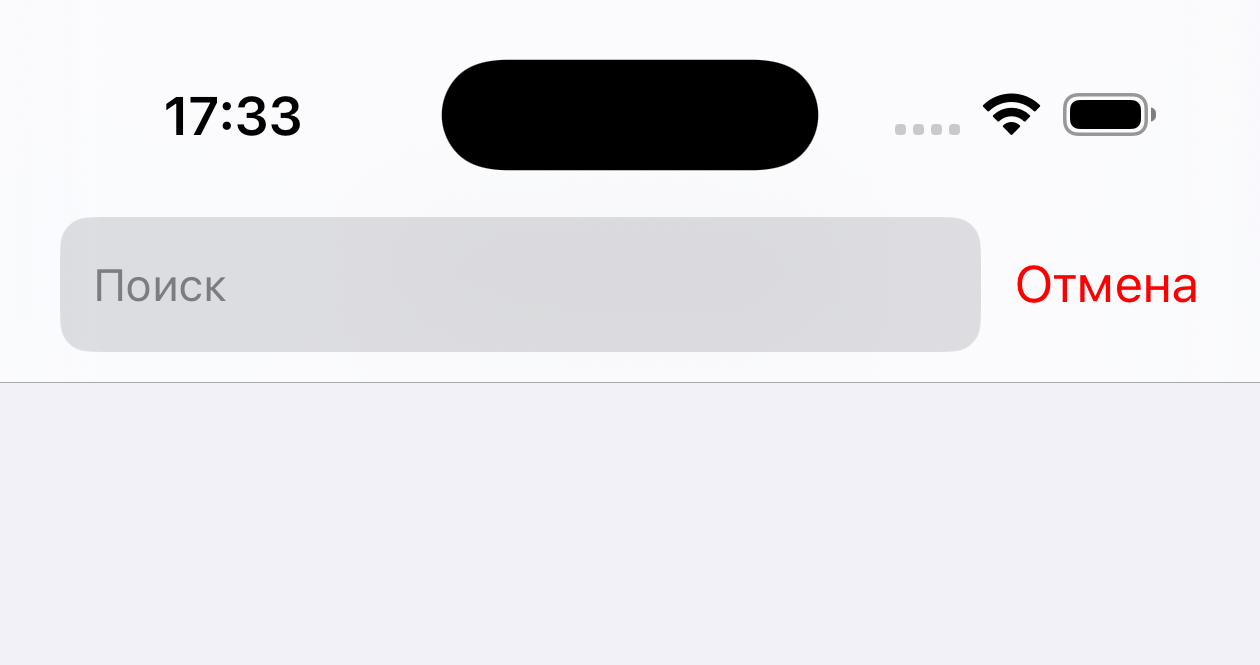 |
search.not_found_title | No results found | No results found | 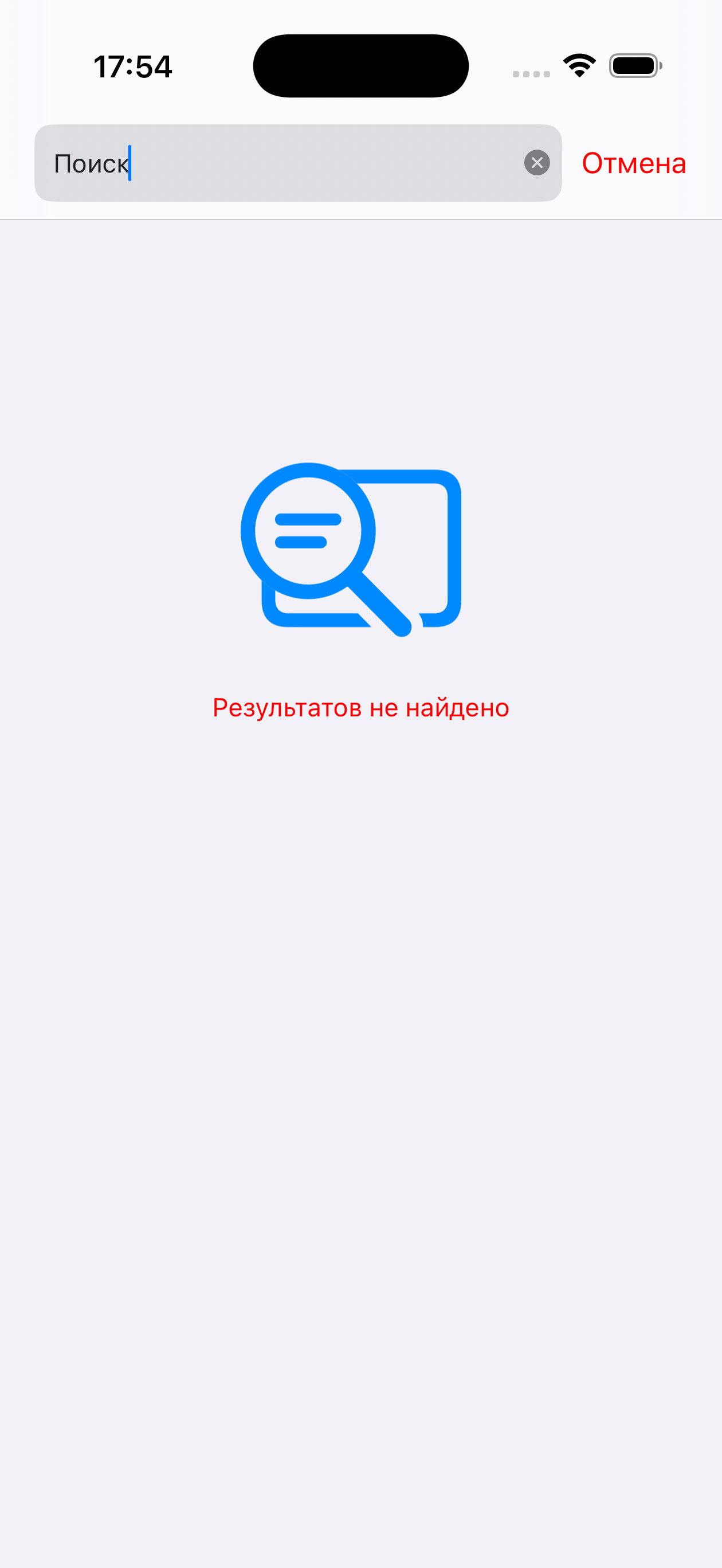 | |
search.image_attachment_title | image | File name in search results | 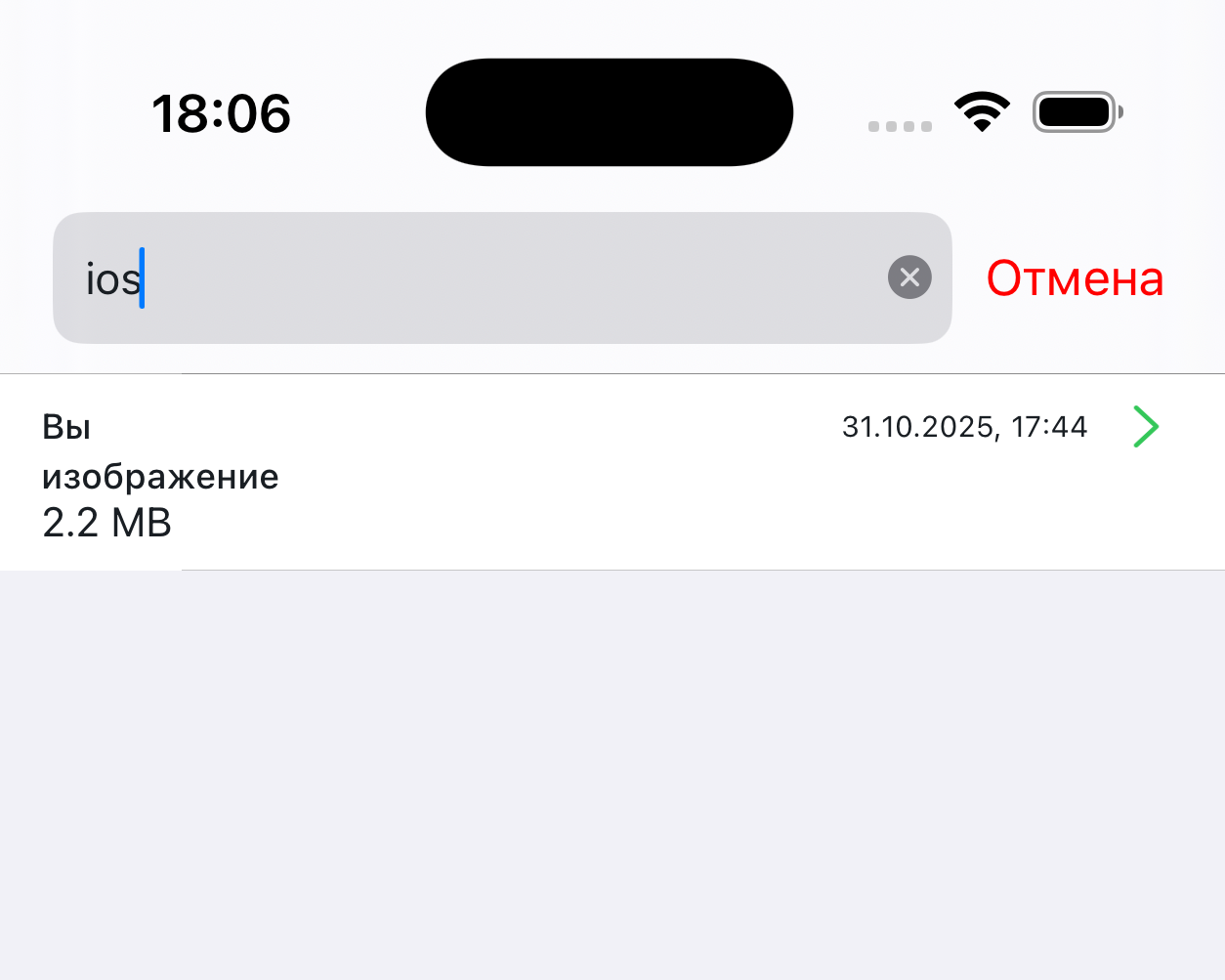 | |
search.audio_attachment_title | audio file | File name in search results | | |
| Surveys | survey.message_vote_from_title | of | Score shown after survey completion in history. For example "2 of 5" | - |
survey.message_thanks.title | Thank you for your rating | Message after survey completion | 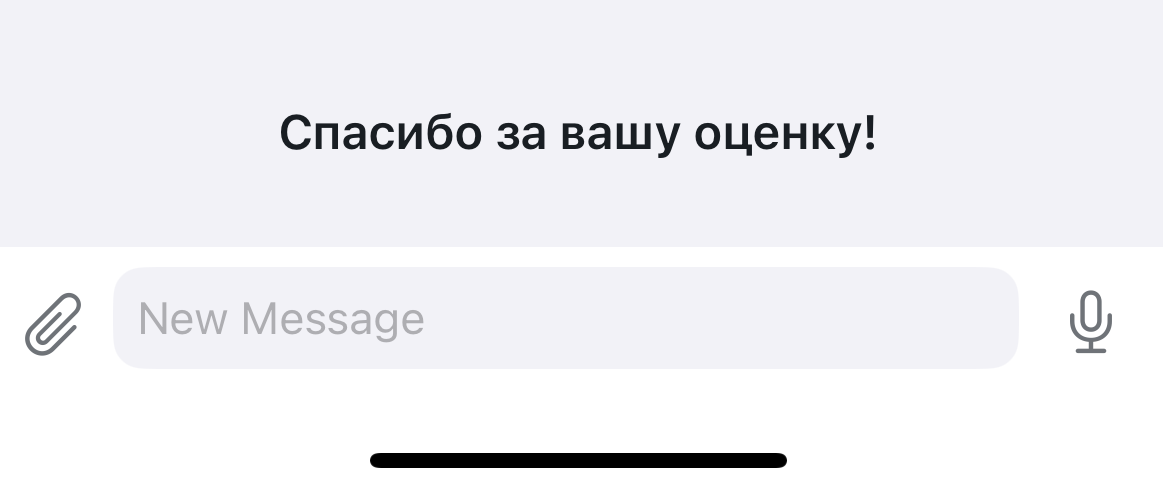 | |
survey.request_close_thread_message | The specialist has answered all your questions, continue the consultation? | — | | |
| SDK errors | errors.init_failed_title | A problem occurred while initializing the chat: | Chat loading error | |
errors.connection_timeout | Connection to server timed out | Network error | | |
errors.load_config | Failed to load chat settings | Chat loading error | | |
errors.voice_message | Failed to complete file upload | Error shown below the message | | |
errors.code_from_400_to_500_title | Sorry for the inconvenience, the chat is currently unavailable. Please try again later. | Connection error when entering the chat. Title | | |
errors.code_from_400_to_500_desc | "" | Connection error when entering the chat | | |
errors.disallowed_file_loading | File upload failed.\nFailed to verify the file | Error shown below the message | | |
errors.timeout_during_load_file | Failed to complete file upload, timeout expired.\nTry uploading the file later | Error shown below the message | | |
errors.unexpected_error_during_load_file | Failed to complete file upload.\nTry sending the file later | Error shown below the message | | |
errors.during_load_file | An error occurred while uploading or verifying the file | Error shown below the message | | |
| Attachments menu | attachments.menu.my_albums | My albums | Menu item | |
attachments.menu.take_photo | Take a photo | Menu item | | |
alert.picker_files_btn | Files | Menu item | |
Full .strings file for copying
// Buttons
"action.title_ok" = "OK";
"action.title_yes" = "Yes";
"action.title_no" = "No";
"action.title_cancel" = "Cancel";
"action.title_repeat" = "Retry";
"action.alert_send" = "Send";

"chat.available_readonly_text" = "This chat is available for viewing only";
"chat.client_name" = "You"; // Address to the client (quotes, own messages in search, etc.)

"chat.title.connecting" = "Connecting..."; // Connecting to the server
"chat.title.opened" = "Contact center"; // Chat opened
"chat.title.waiting_for_specialist" = "Looking for an operator..."; // Waiting for an operator to connect
"chat.title.working" = "Operator"; // Operator joined the dialog
"chat.title.typing" = "operator is typing";

// Specialist title (Role)
"operator.bot" = "Bot";
"operator.external.bot" = "Bot";
"operator.operator" = "Operator";
"operator.supervisor" = "Operator";
"operator.system" = "Operator";
"operator.integration" = "Operator";

"loading.title" = "Loading"; // Chat loading indicator

"input.placeholder" = "Message"; // Placeholder in the input panel
"input.voice_recording_hint" = "Hold to start recording"; // Voice recording hint

"empty_chat.placeholder_title" = "Welcome to the contact center"; // Placeholder in an empty chat
"empty_chat.placeholder_desc" = "Send your question, the first available operator will answer it."; // Description of the empty chat placeholder

"alert.resend_failed_message.title" = "";
"alert.resend_failed_message.desc" = "The message was not sent. Tap \"resend\" to send";
"alert.resend_failed_message.retry_btn" = "Resend";
"alert.resend_failed_message.delete_btn" = "Delete";
"alert.access_denied_title" = "No access";
"alert.file_sending_denied_desc" = "File sending is disabled on the server";
"alert.unlock_photos_access" = "Unlock photo access in the app settings to continue";
"alert.send_selected_file_to_chat" = "Send the selected file \"%@\" to chat?";
"alert.picker_files_btn" = "Files";
"alert.camera_not_found" = "No camera found on your device";
"alert.unlock_camera_access" = "Unlock camera access in the app settings to continue";
"alert.cant_take_photo" = "Failed to take a photo";
"alert.app_settings" = "Settings";
"alert.voice_recording_denied" = "Microphone access denied; to record voice messages, allow access in settings";
"alert.text_copied_message" = "Text copied to clipboard";

// Message statuses
"message.status.not_delivered" = "Not delivered";
"message.status.validation_error" = "Not delivered";

// Messages
"message.deleted_text" = "Message deleted";
"message.send_file_limit_alert_title" = "File size";
"message.send_file_limit_alert_message" = "Maximum allowed file size for sending exceeded (%.0f MB)";
"message.incorrect_url_for_opening" = "Failed to open the link";
"message.photo_title" = "PHOTO";
"message.voice_title" = "VOICE MESSAGE";
"message.voice_play_error" = "Playback error";
"message.unsupported_file_format" = "Unsupported format";

// Quote menu
"menu.response_title" = "Reply";
"menu.copy_title" = "Copy";

// Search
"search.placeholder_title" = "Search"; // Placeholder in the search bar
"search.not_found_title" = "No results found";
"search.image_attachment_title" = "image";
"search.audio_attachment_title" = "audio file";

// Surveys
"survey.message_vote_from_title" = "of";
"survey.message_thanks.title" = "Thank you for your rating";
"survey.request_close_thread_message" = "The specialist has answered all your questions, continue the consultation?";

// SDK errors
"errors.init_failed_title" = "A problem occurred while initializing the chat:";
"errors.connection_timeout" = "Connection to server timed out";
"errors.load_config" = "Failed to load chat settings";
"errors.voice_message" = "Failed to complete file upload"; // Error while uploading a voice message
"errors.code_from_400_to_500_title" = "Sorry for the inconvenience, the chat is currently unavailable. Please try again later.";
"errors.code_from_400_to_500_desc" = "";
"errors.disallowed_file_loading" = "File upload failed.\nFailed to verify the file";
"errors.timeout_during_load_file" = "Failed to complete file upload, timeout expired.\nTry uploading the file later";
"errors.unexpected_error_during_load_file" = "Failed to complete file upload.\nTry sending the file later";
"errors.during_load_file" = "An error occurred while uploading or verifying the file";

// Attachments menu
"attachments.menu.my_albums" = "My albums";
"attachments.menu.take_photo" = "Take a photo";
Related
- SDK initialization settings — assigning
localizationConfig - Design system — visual customization of the chat
- Demo application — localization examples (Russian, English, Kazakh)