Flows
A flow is the configuration of a specific screen. Flows override design system components per-screen: changes in one flow do not affect other screens or base settings.
Flows architecture
All flows inherit from ChatUserFlow. The base class implements the Applicable protocol (the apply { ... } method for grouping configuration) and contains common properties:
| Property | Type | Description |
|---|---|---|
backgroundColor | UIColor | Screen background color (initialized from components.colors.background) |
navigationBarStyle | NavigationBarStyle | Top navigation bar style. By default it references the same object as components.navigationBarStyle. As a result, mutating chatFlow.navigationBarStyle.X = ... affects both flows and the shared components. For isolation, assign a new instance — see Isolating navigationBarStyle below. |
The subclasses are ChatFlow (chat screen) and SearchFlow (search screen).
Configuring an existing flow:
In the current SDK version, the ChatFlow/SearchFlow constructors are not part of the public API — new instances cannot be created outside the module. Configuration is performed by mutating the existing flow that the SDK creates inside ChatTheme:
let theme = ChatTheme(components: components)

// Configure the existing chatFlow
theme.flows.chatFlow.backgroundColor = .systemBackground
theme.flows.chatFlow.navigationBarStyle.hidden = false

// Same for searchFlow
theme.flows.searchFlow.backgroundColor = .systemBackground
To group changes, use apply:
theme.flows.chatFlow.apply {
    $0.backgroundColor = .systemBackground
    $0.navigationBarStyle.hidden = false
}
Isolating navigationBarStyle for a single flow:
Because chatFlow.navigationBarStyle references the same object as searchFlow.navigationBarStyle and components.navigationBarStyle by default, mutation affects all of them. To change the navigation bar for one flow only, assign a new instance:
To create a new instance, use the generic builder ChatStyle.build(with:configure:) — a public static method on the ChatStyle base class that is available to all of its subclasses (including NavigationBarStyle). The type of the style being created is inferred from the assignment context:
// For chatFlow only — searchFlow and components keep their previous navigationBarStyle.
// build(...) is inherited from ChatStyle; the concrete type (NavigationBarStyle)
// is inferred from the type on the left-hand side of the assignment.
theme.flows.chatFlow.navigationBarStyle = NavigationBarStyle.build(with: theme.components) { nav in
    nav.hidden = false
    nav.backButtonColor = .systemBlue
}
Configuration example:
// Create design system components
let components = ChatComponents()

// Create a theme from components
let theme = ChatTheme(components: components)

// Get the chat screen settings
let chatFlow = theme.flows.chatFlow
chatFlow.incomeMessages.showAvatar = true
chatFlow.outcomeMessages.showAvatar = false

// Get the search screen settings
let searchFlow = theme.flows.searchFlow
searchFlow.searchMessageStyle.matchTextStyle.color = .red
Chat
The chat screen is the main SDK screen: a list of messages and the input panel.
Getting the message style
The messageStyle(for:) method returns the message style by direction (incoming or outgoing):
// Get the incoming message style
let incomingStyle = chatFlow.messageStyle(for: false)

// Get the outgoing message style
let outgoingStyle = chatFlow.messageStyle(for: true)
The method returns a ChatMessagesStyles object — the full set of styling parameters (colors, fonts, paddings, status icons).
Data loading:
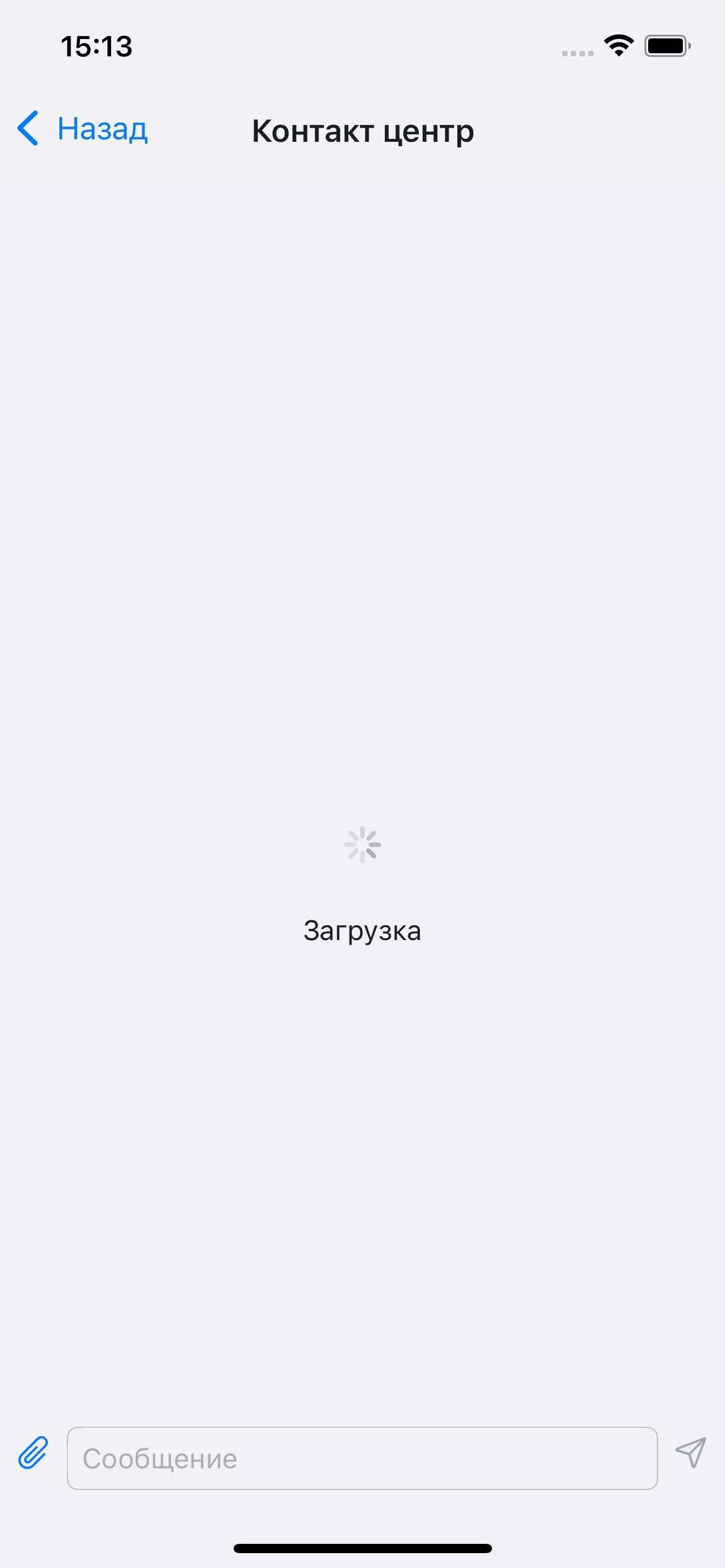
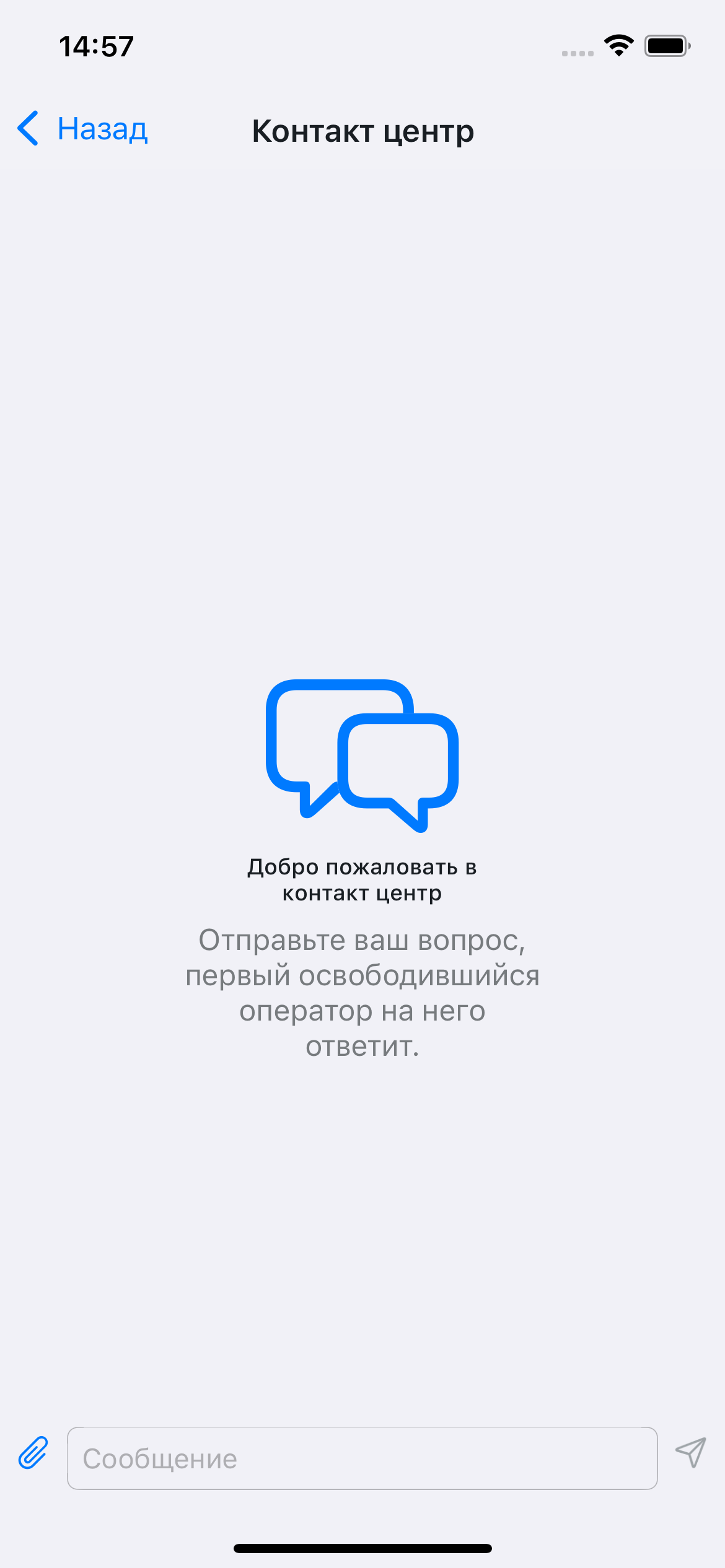
Empty chat:
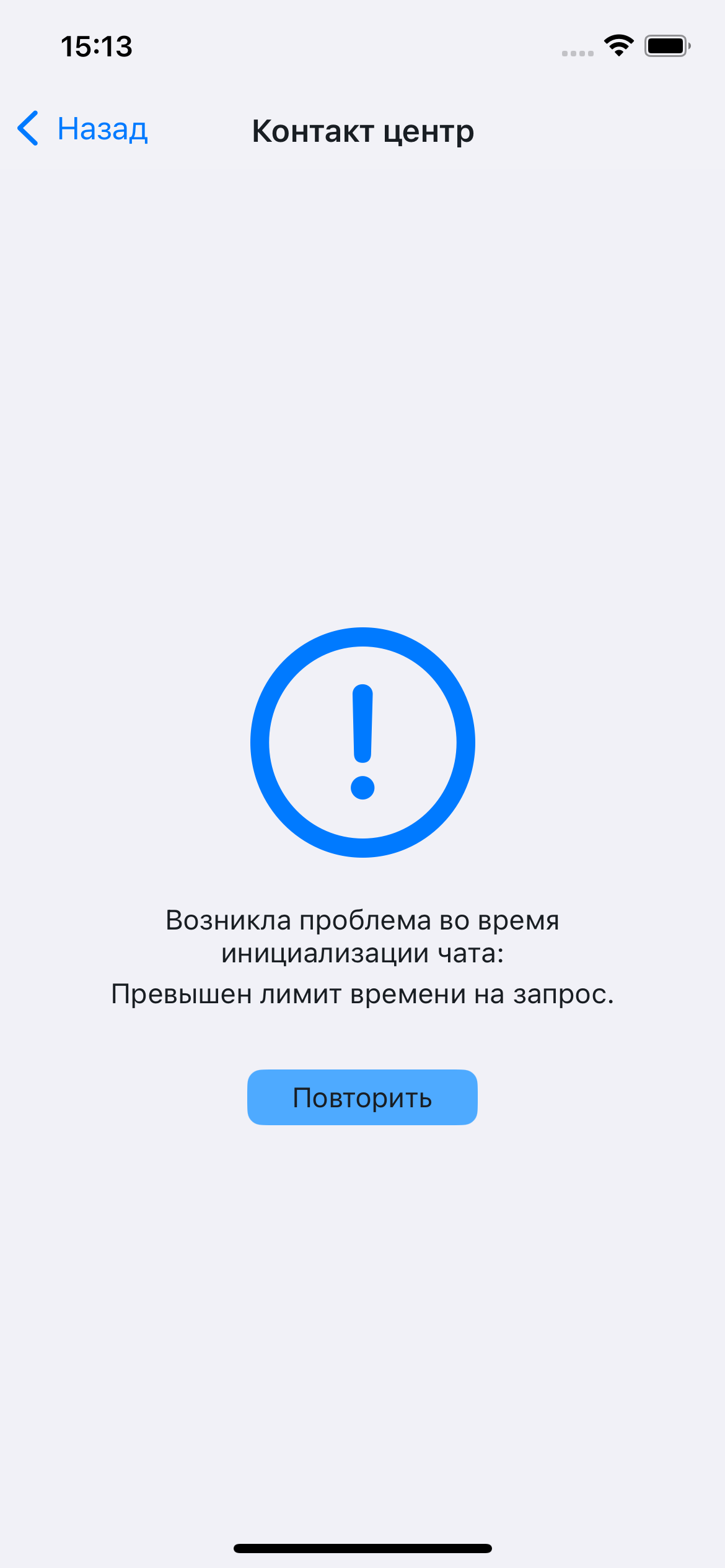
Data fetching error:
Message list:
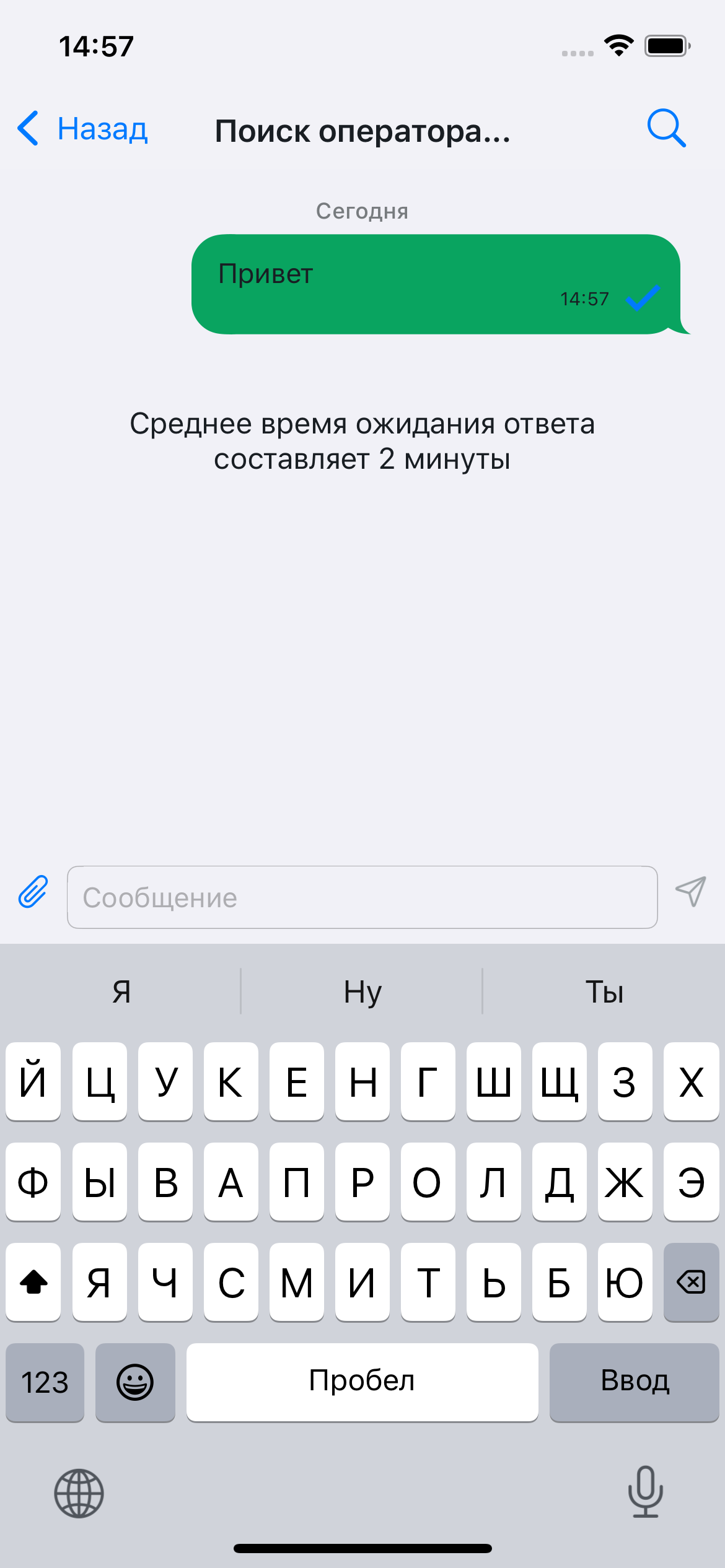
Message search
An auxiliary screen for searching messages in the chat and displaying results.
It opens when the search icon in the navigation bar is tapped; icon visibility is configured in ChatConfig.
Opening the search screen:

Empty results:
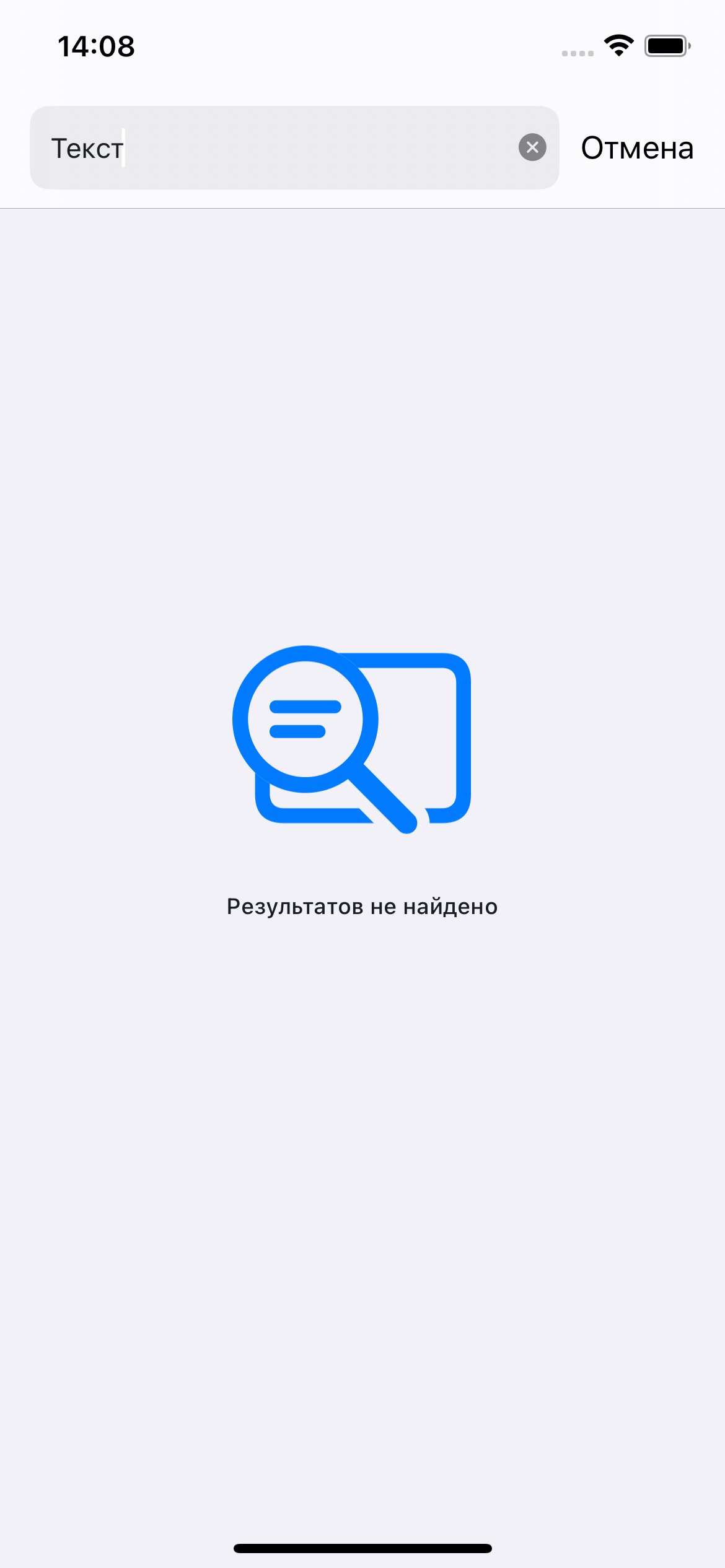
Found messages:
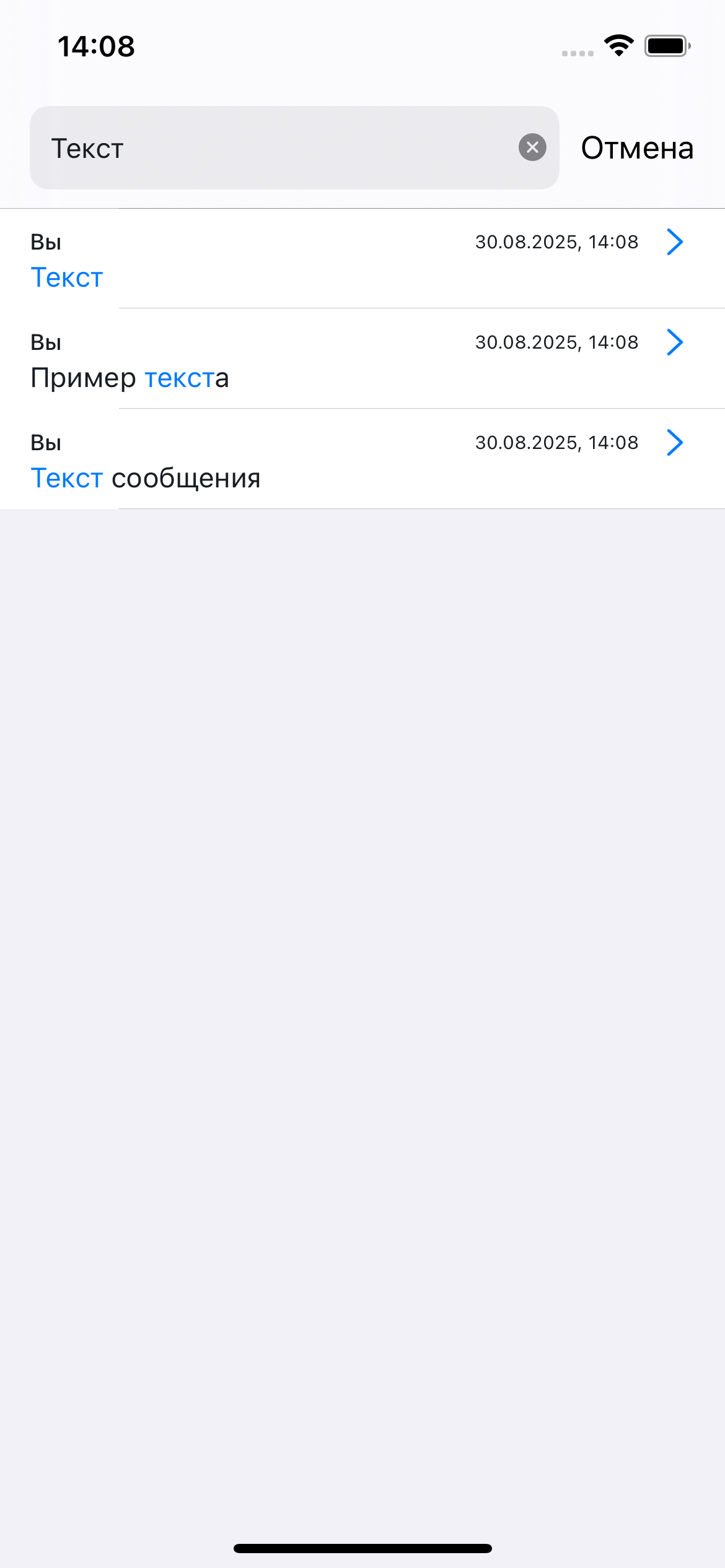
SearchFlow configuration examples
let searchFlow = theme.flows.searchFlow

// Match highlight color in search results
searchFlow.searchMessageStyle.matchTextStyle.color = UIColor(named: "BrandColor") ?? .systemOrange

// Highlight font
searchFlow.searchMessageStyle.matchTextStyle.font = .systemFont(ofSize: 14, weight: .bold)

// Search screen navigation bar
searchFlow.navigationBarStyle.apply { nav in
    nav.titleTextStyle.color = .white
    nav.backgroundColor      = UIColor(named: "BrandColor") ?? .systemBlue
    nav.backButtonColor      = .white
}

// "Cancel" button in the search bar — because of UISearchBar API limitations, only color.normal applies,
// see design-system/known_issues.md
searchFlow.navigationBarStyle.searchBarStyle.cancelButtonStyle.color.normal = .white

// Text shown when there are no results
searchFlow.notFoundTextStyle = ChatTextStyle(
    font:  .systemFont(ofSize: 15),
    color: .secondaryLabel
)

// Search screen background
searchFlow.backgroundColor = .systemBackground