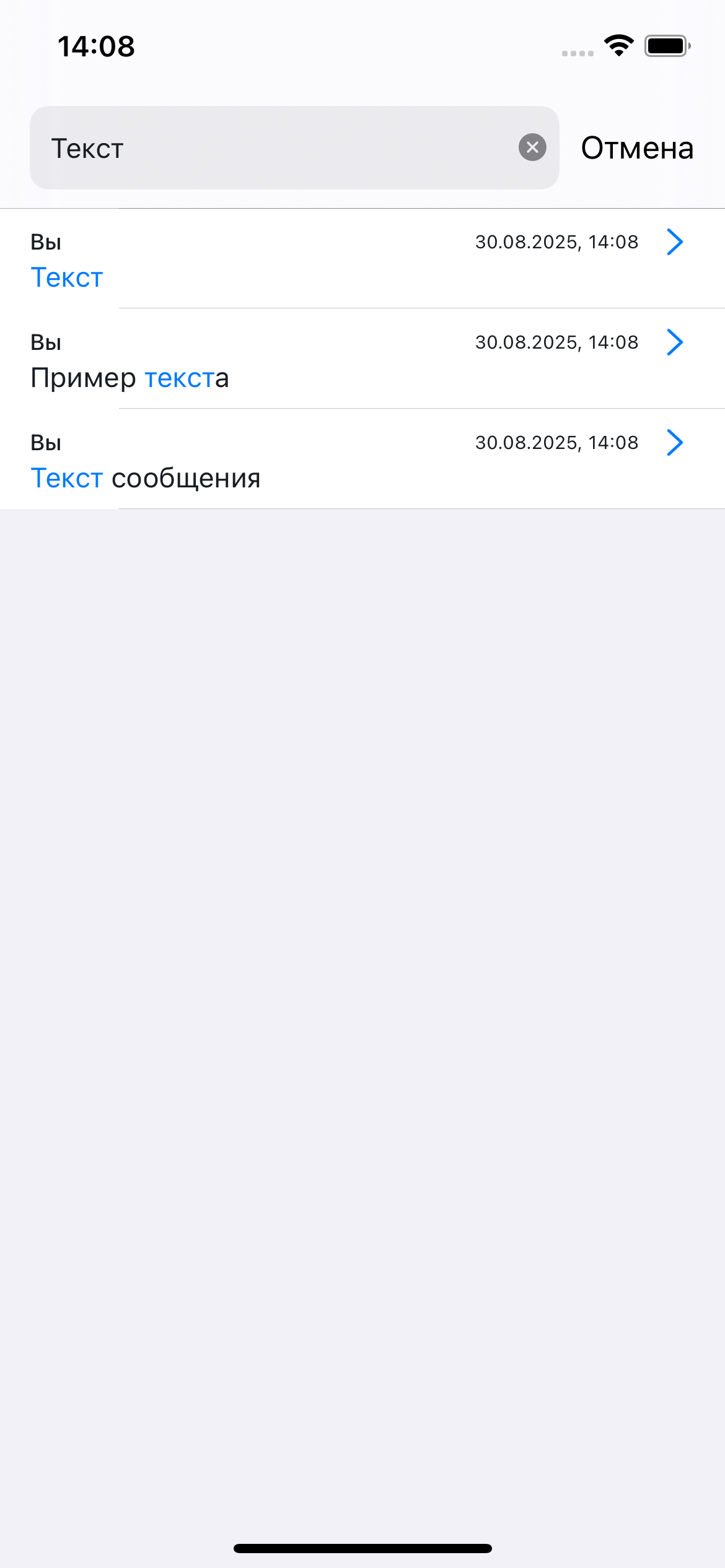
Пользовательские сценарии (flow)
Являются способом расширенной настройки интерфейса и позволяют точечно настроить необходимый экран и его элементы.
Они состоят из тех же компонентов, настраиваемых в базовых настройках, но позволяют переопределять их точечно, без изменений в других используемых местах.
Например, кнопка с иконкой используется в нескольких местах, но таким способом можно поменять её фон только в конкретном месте.
Пример настройки:
        // Создание компонентов дизайн системы
        let components = ChatComponents()

        // Создание темы из компонентов
        let theme = ChatTheme(components: components)

        // Получение настроек экрана чата
        let chatFlow = theme.flows.chatFlow
        chatFlow.systemMessages.surveyMessageStyle.type = .user
        chatFlow.incomeMessages.showAvatar = true
        chatFlow.outcomeMessages.showAvatar = false

        // Получение настроек экрана поиска
        let searchFlow = theme.flows.searchFlow
        searchFlow.searchMessageStyle.messageMatchStyle.color = .red
В СДК можно настроить два пользовательских сценария (экрана):
Чат
Экран чата является основным экраном СДК и содержит в себе его основные компоненты: список сообщений и панель ввода.
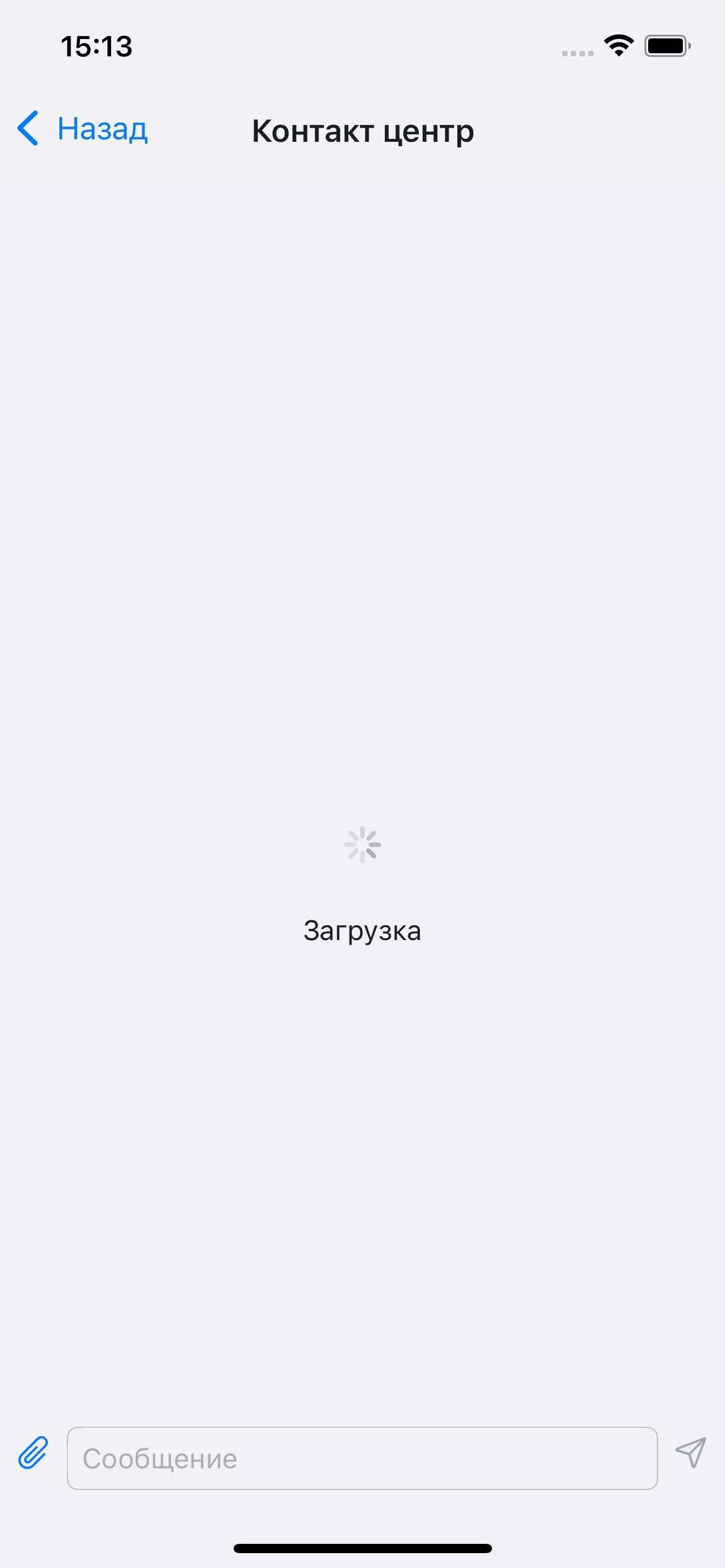
Отображение входа (загрузки данных, необходимых для работы )
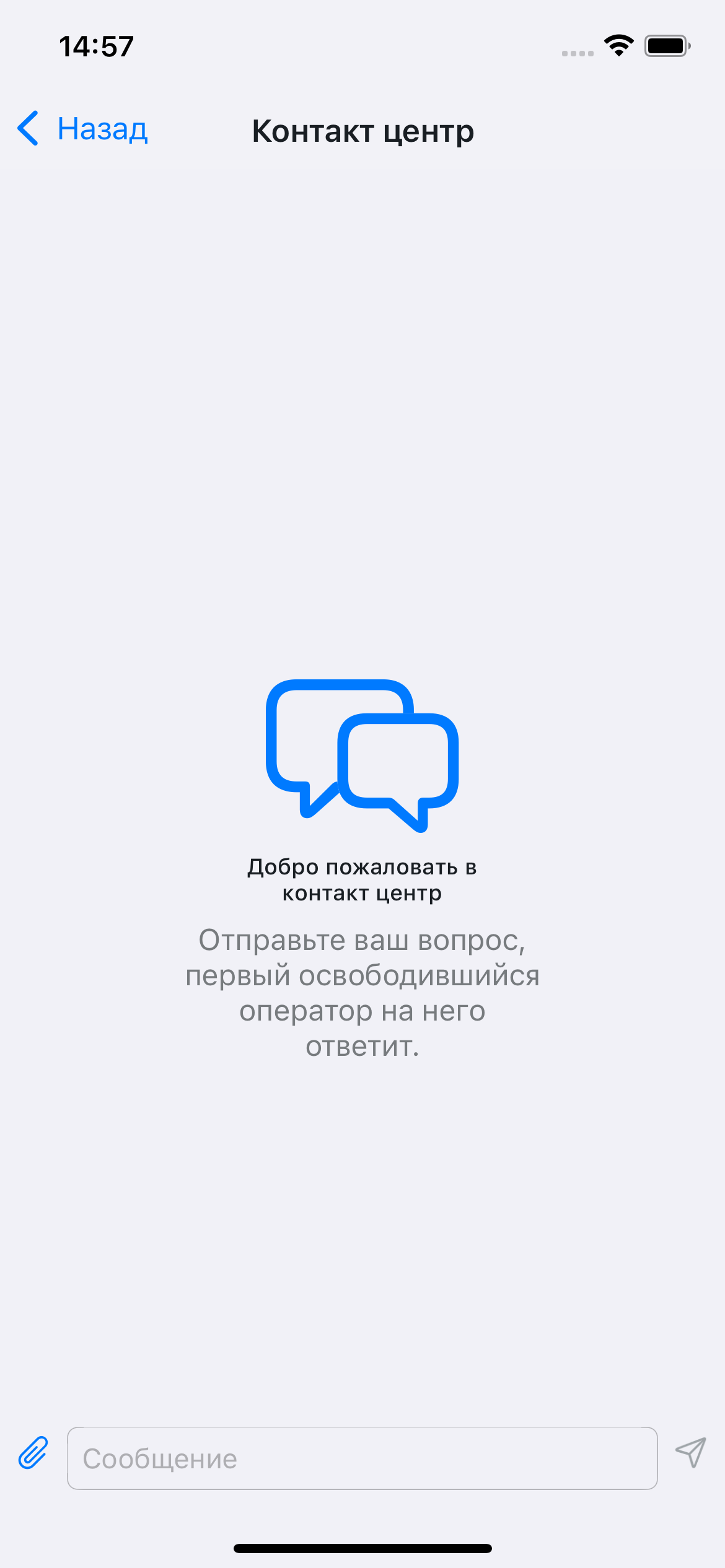
Отображение пустого чата:
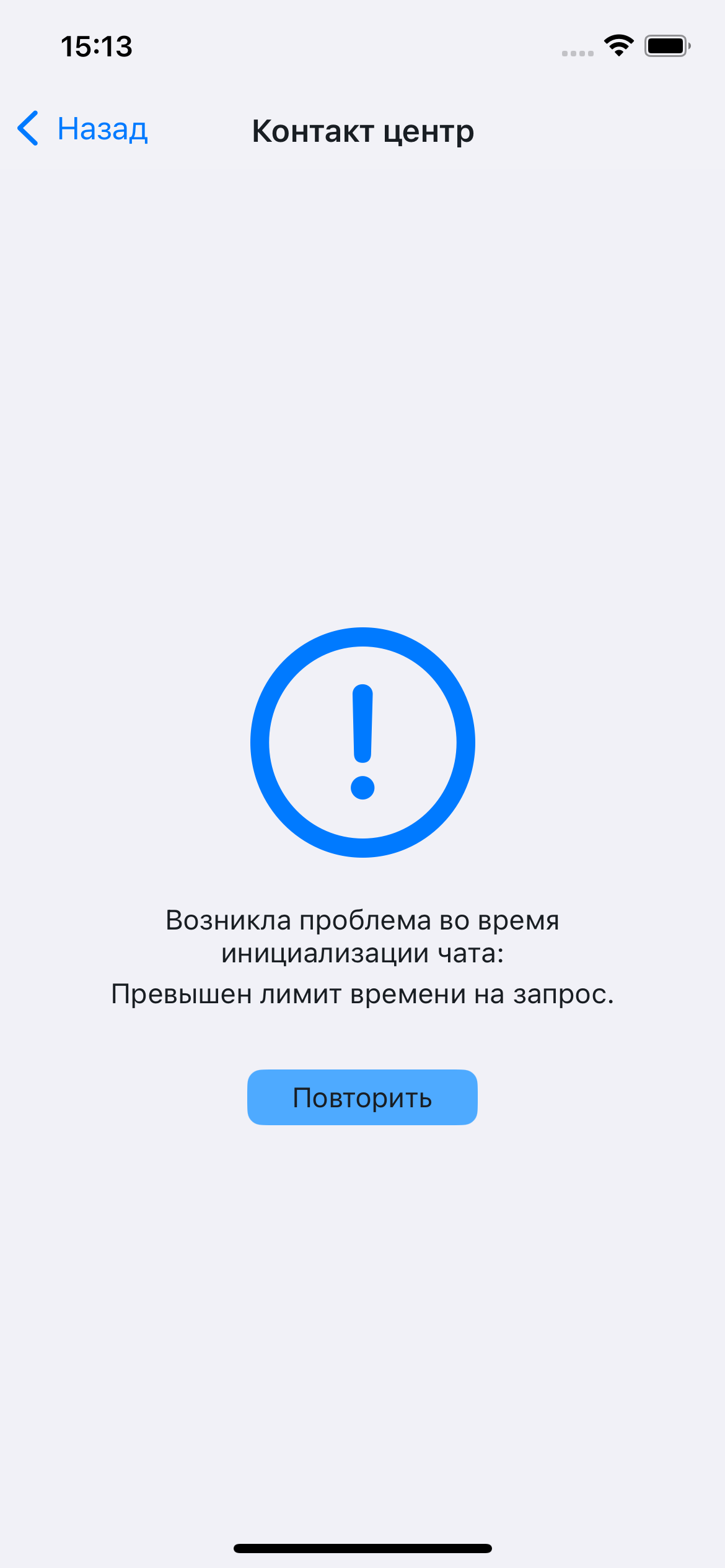
Отображение ошибки при получении данных:
Отображение сообщений:
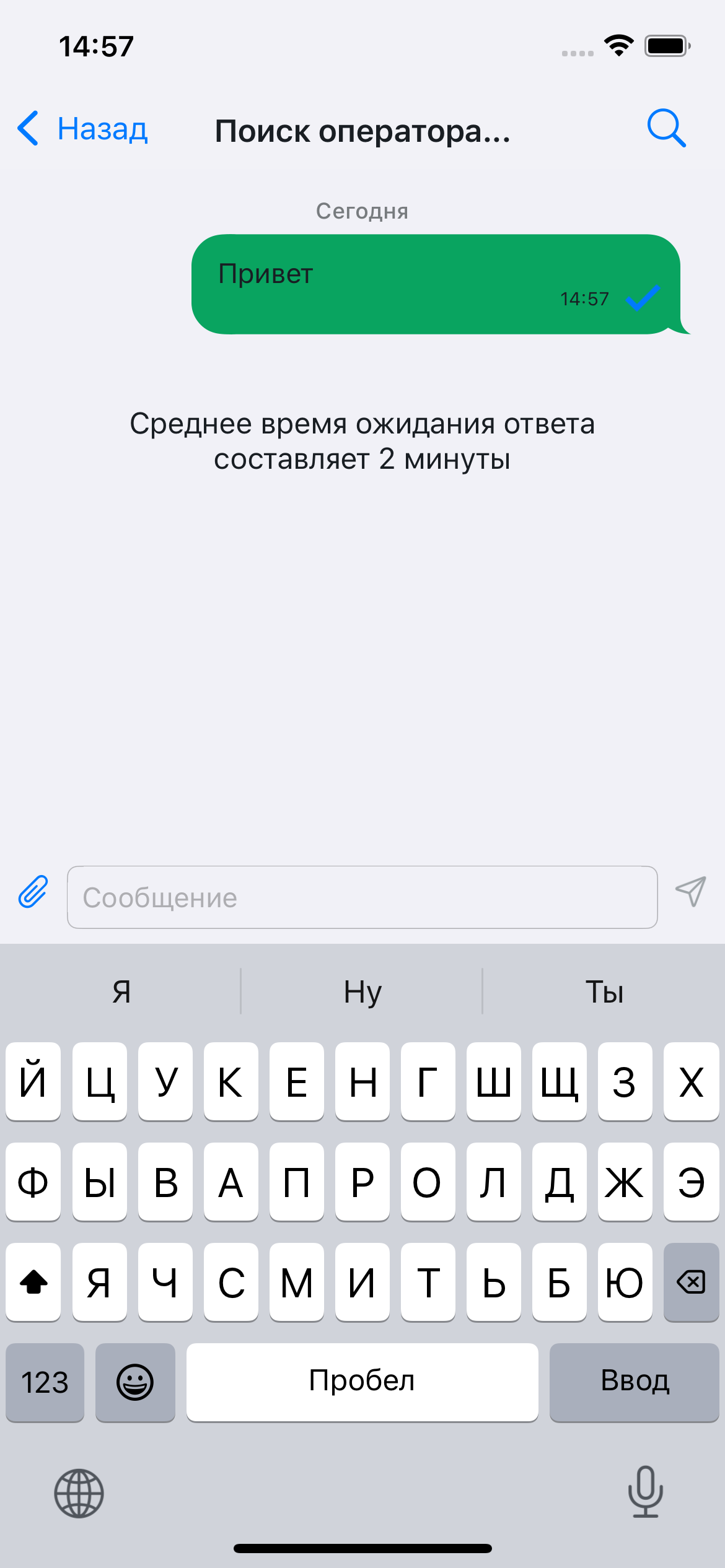
Поиск сообщений
Экран поиска — вспомогательный экран, необходимый для поиска сообщений в чате и их отображения.
Он открывается по нажатию на иконку поиска в панели навигации (отображение включается в ChatConfig) и включает несколько состояний:
Отображение при открытии:

Отображение пустых результатов поиска:
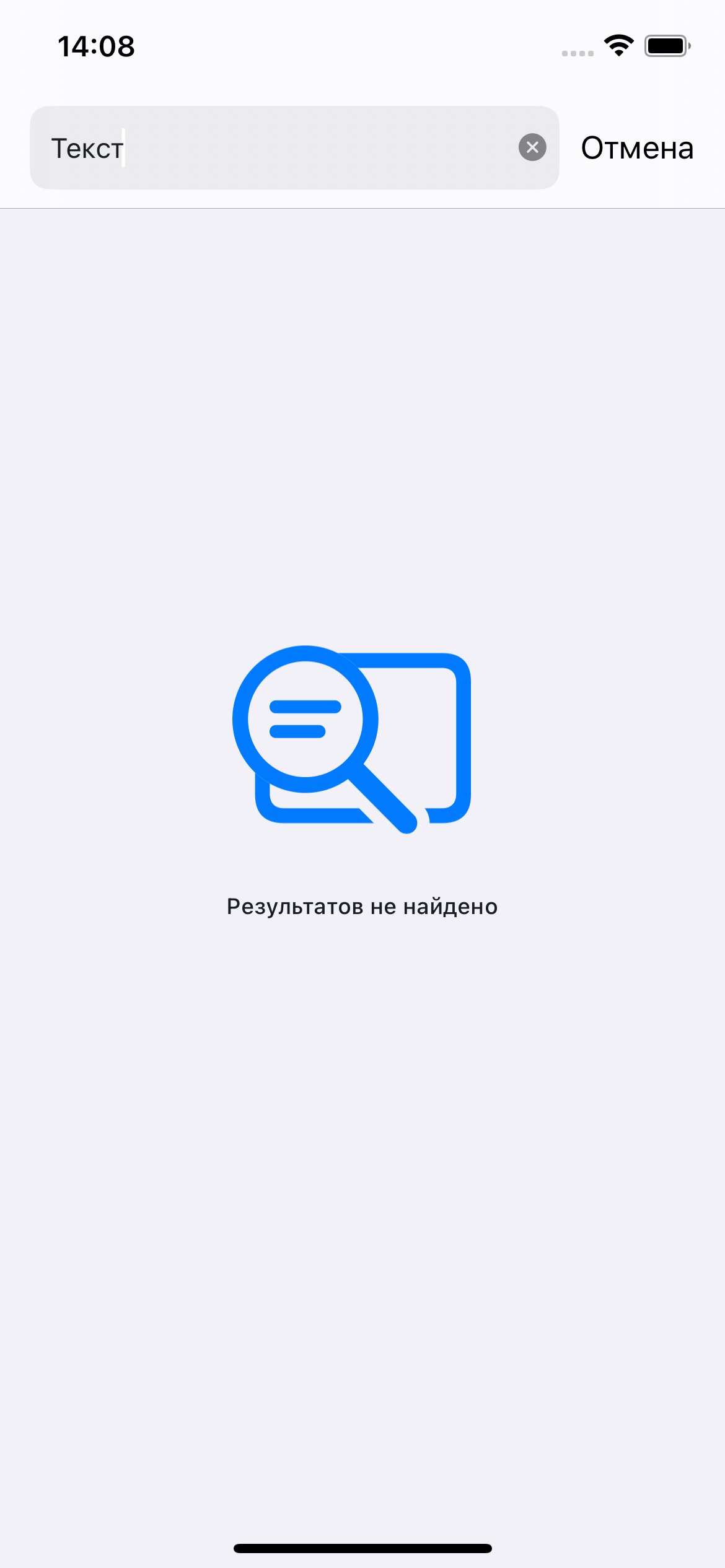
Отображение результатов поиска: